
ACORD 125 Fillable PDF: How to Stop Retyping the Same Business Data on Every Commercial Application

If you've filled an ACORD 125 by hand, you know the form has the energy of a tax return that's been to court. 60-plus fields of business data, arranged in a layout that hasn't changed since 1998. FEIN, NAICS, business description, gross sales, payroll, every owner's name and percentage. And once you're done, you do it again on ACORD 126, then ACORD 140, then ACORD 130, and the same business address shows up on every single one.
That's the unfortunate joke at the heart of commercial insurance paperwork: the carrier wants 80% of the same data, asked five different ways, on five different forms. The fastest agents in the country aren't faster at typing. They built a profile once and let the forms pull from it.
This guide shows you how to do that with the ACORD 125 as the anchor.
What ACORD 125 actually captures
The ACORD 125 is the Commercial Insurance Application. It's the foundation document — the one that holds the business-level data every other commercial ACORD references. The fields split into five buckets:
- Applicant identity: Named insured (legal name and DBA), FEIN, mailing address, physical address, business type (LLC, corp, sole prop), NAICS code, website, contact info.
- Ownership: Each owner's name, title, ownership percentage, SSN if needed for the line of business.
- Operations: Business description, years in business, hours of operation, full-time and part-time employee counts, payroll, gross sales, number of locations.
- Loss history: Prior claims for the last 3–5 years, with dates, descriptions, amounts paid, current status.
- Current and prior carriers: Policy numbers, terms, premiums, reason for shopping.
Every other commercial ACORD pulls from buckets 1, 2, and 3. ACORD 140 (property) adds building info. ACORD 130 (workers' comp) adds class codes and payroll splits. ACORD 127 (auto) adds vehicles and drivers. The 125 is the foundation that makes all of them possible.
The 60 fields you'll retype if you don't have a profile
A real ACORD 125 contains the data points that show up over and over in a commercial submission:
- Named insured legal name (verbatim, with punctuation matched to state filings)
- Doing-business-as name (which is often subtly different from the legal name and gets typed wrong all the time)
- FEIN (a single transposed digit will get the application kicked back)
- Mailing address — street, city, state, ZIP, county
- Physical address — same five fields, often different from mailing
- Business phone, fax, website, primary contact email
- NAICS code (the carrier wants the exact 6-digit, not the industry name)
- Business type and date of incorporation
- Number of owners and each owner's percentage (sums must equal 100)
- Years in business under current ownership
- Gross sales for the current and prior year
- Payroll, split by class
- Full-time and part-time employee counts
- Loss data for each prior claim
Type that list six times across a single submission and you'll start to see why the more experienced commercial agents have a "60-field cheat sheet" they keep next to the keyboard. A FillWizard profile is the digital version of that cheat sheet, except the form fills itself.
Building an ACORD-shaped business profile in FillWizard
Five sections to add to a FillWizard business profile before you open the ACORD 125 PDF.
- Identity. Legal name, DBA, FEIN, NAICS, addresses (mailing and physical), business type, date of incorporation, primary contact, website, phone, fax, email.
- Ownership. Each owner as a row: name, title, ownership %, SSN if collected for this line, date of birth, years of industry experience.
- Operations. Business description (the carrier-facing version, not the marketing version), gross sales current and prior, payroll, employee counts, hours, number of locations, named drivers if relevant.
- Loss history. Each prior loss as a row: date, description, type (BI/PD/etc.), paid, reserve, status, claim number, carrier.
- Coverage history. Each prior policy as a row: carrier, policy number, term, premium, reason for non-renewal or shopping.
The profile holds everything that doesn't change between supplemental ACORDs. Coverage-specific fields (limits, deductibles, scheduled property, vehicle lists) stay on the supplement where they belong.
The supplemental ACORDs the same profile fills
Once the profile exists, the ACORD 125 is just the first form in a typical commercial submission. The same data fills:
- ACORD 126 (Commercial General Liability Section) — adds GL-specific operations, additional insureds, prior carrier history.
- ACORD 127 (Business Auto Section) — adds vehicles, drivers, coverage requested.
- ACORD 130 (Workers' Comp Application) — adds class codes, payroll splits, prior experience modifiers.
- ACORD 140 (Property Section) — adds locations, COPE data, building info.
- ACORD 175 (Garage Section) — adds dealer operations and inventory.
- ACORD 50, 51, 75 for inland marine, crime, umbrella schedules.
The first new business submission takes 20 minutes of profile-building. The supplement layer for ACORD 126, 127, 130, 140 adds 3–5 minutes per form because every shared field is already populated. A typical new account that used to take 90 minutes drops to about 30.
Renewals are where the profile pays for itself
Most commercial agents will tell you renewals are 70% of the book and 70% of the workload. They're also where a saved profile turns into pure margin.
A renewal workflow on a stored profile:
- Open the prior-term profile (60 seconds).
- Update the four fields that actually changed: gross sales, payroll, employee count, prior losses (3–5 minutes).
- Add any new locations or owners (1 minute).
- Re-export the ACORD 125 and the supplemental ACORDs that apply (30 seconds).
That's 5 minutes per renewal versus 45 minutes of fresh typing. On a book of 200 commercial accounts, that's the difference between renewal season being a death march and renewal season being a Tuesday.
Multi-location and multi-entity accounts
For accounts with multiple locations or related entities (a franchisee group, a holding company with subs), the profile structure that works is one parent and one child per location.
- Parent profile: Named insured, FEIN, ownership, primary contact, consolidated operations data.
- Child profile per location: Physical address, location-specific payroll, location-specific gross sales, location-specific employee count, location-specific loss history.
The ACORD 125 pulls from the parent. The ACORD 140 location schedule pulls from each child. Adding a new location is two minutes, not two hours.
What this looks like end-to-end
A real ACORD 125 prep on a saved profile takes about 15 minutes for a new account, 5 minutes for a renewal:
- Open the business profile in FillWizard (1 minute).
- Upload the ACORD 125 PDF (30 seconds).
- Review the auto-filled fields, fix anything the carrier-of-record process flagged (8 minutes).
- Upload the supplemental ACORDs in sequence (126, 127, 130, 140). Each takes 1–2 minutes to review (5 minutes total).
- Export the packet (30 seconds).
The carrier gets a clean submission with consistent data across every form. You get your afternoon back.
Start a commercial profile
If you write commercial lines on any volume, an ACORD-shaped profile is the single most useful thing you can build. Set it up once, reuse it across the supplemental ACORDs, and watch new-business and renewal workload drop together.
For the rest of the commercial insurance PDF stack, see the insurance claim workflow guide and the ACORD 25 certificate guide.
Checklist
- Save one master business profile: named insured, DBA, FEIN, NAICS, mailing and physical addresses, ownership, years in business.
- Add operations data once: gross sales, payroll, number of employees, hours of operation, prior losses, current carrier.
- Pre-fill the ACORD 125 PDF from the profile. Then duplicate the same profile data into ACORD 126, 127, 130, 140, and 175.
- For renewals, update only the fields that changed. Last year's profile is 95% of this year's application.
- For multi-location accounts, keep one parent profile and one child profile per location. Never retype the named insured.
Related articles
 Tool Comparisons
Adobe Fill & Sign Alternative When Autofill Suggests the Wrong Name
Adobe Fill & Sign remembers more than you want. Wrong name. Previous customer's signature. Private medical details on the next PDF. This guide covers when to clear the cache, when to keep Acrobat, and when a reusable profile is the safer Adobe Fill & Sign alternative.
8 min readRead more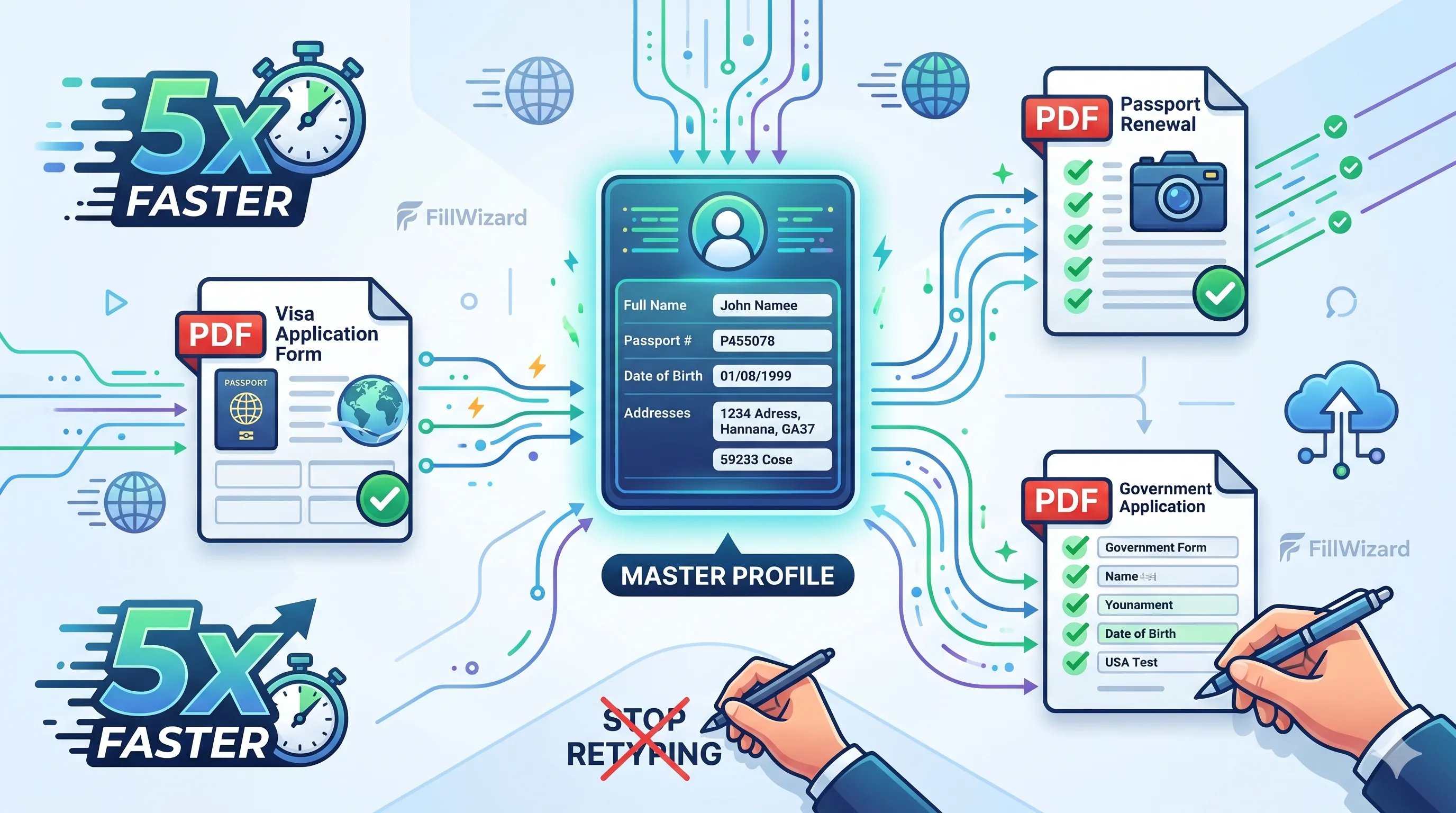 Productivity
How to Batch Fill PDF Forms from a Profile (Without Mail-Merge Pain)
Batch fill and prefill should mean enter once, fill many PDFs. Mail merge for fillable forms is the old workaround. A profile is the cleaner version of the same idea.
9 min readRead more Visa Workflows
DS-160 Family Application: Why the Family Button Still Makes You Retype Everything
A DS-160 family application is still one form per person. The family button on CEAC does almost nothing for shared fields. Profiles fix the retyping. CEAC still gets the final submit.
9 min readRead more