
AI Form Filler, Honestly: What AI Actually Adds Beyond OCR (and What It Doesn't)

The phrase "AI form filler" got common enough by 2024 that you couldn't search for PDF automation without a dozen products attaching the AI label to a feature that was, in practice, OCR plus a saved profile. That's a fine product. It's not an AI product.
This guide is for the people who already understand that distinction and want to know what the AI layer actually does on a PDF beyond OCR. The honest version. The parts where AI earns its keep, the parts where it doesn't, and the parts where the marketing pages oversell what the model is actually capable of.
If you're new to PDF automation entirely, start with the PDF autofill ultimate guide. This post assumes you've already typed the same address into 40 forms and want to know whether AI can stop that from happening.
What "AI form filler" actually means in 2026
Strip the marketing and you're left with five things AI can do on a form that static OCR alone cannot. None of them are magic. All of them save real time once you've felt the pain.
1. Label matching across edition changes
Forms change. USCIS released a new edition of the I-129F in late 2025. ACORD updated the 125 layout the year before. Every municipal tender PDF gets a quiet tweak when a new clerk takes over. When that happens, a static template breaks. The field that used to be "Applicant DOB" is now in a different cell, or it's been renamed "Date of Birth (Applicant)."
A static filler returns blank fields and leaves you to remap. An AI-backed filler reads the new labels, matches them against the schema you already built, and proposes a mapping that's usually right. You spend two minutes confirming and zero minutes rebuilding a template. Multiply that across the 30 forms your team handles and the math gets nice fast.
2. Label translation for non-English forms
Most consular, customs, and government forms outside the US do not ship in English. A French CERFA wants Nom de naissance. A German Anmeldung asks for Familienstand. A Spanish Modelo 030 has Apellidos. An Arabic visa application wants الاسم الكامل.
OCR alone reads the characters. It doesn't know that Nom de naissance is the field you'd call "Maiden Name" in your profile schema. AI does. The translation layer is what lets one English-language profile fill a French, Spanish, German, or Arabic form without you maintaining five separate templates. We go deeper on this in the multilingual PDF guide.
3. Confidence scoring
This one's quiet but huge. When OCR runs on a scanned consular packet, some fields come back clean and some come back ambiguous. The number 1701 could be the year or the floor number. The handwritten capital S could be a 5.
Without confidence scoring, a human reviewer has to read every field. With it, the AI flags the 4 fields it isn't sure about, and the reviewer checks those 4 instead of all 60. That's the difference between "30 seconds per form" and "8 minutes per form" on a packet of 12 PDFs.
The trick is to actually surface the scores in the UI. A tool that scores fields internally but doesn't show you which ones it doubted is wasting the feature.
4. Name variant resolution
A small thing that turns out to matter on the visa, insurance, and banking forms where consistency triggers manual review. Your passport says "Mohammed." Your H-1B petition has "Muhammad." Your driver's license has "Mohammad." All three are correct transliterations. None of them match each other letter for letter.
A static profile picks one and uses it everywhere, which fails when one form requires the version that's on your passport and another requires the version on your green card. AI can store the variants together and pick the right one per form, based on the source document the form needs to match. ([Yes, this is also what most paralegals quietly do in their head every Tuesday.])
The same logic applies to date formats (12/05/2026 vs 05/12/2026), name order (LastName, FirstName vs FirstName LastName), and address abbreviations (St. vs Street). AI gets the format right per form instead of letting you pick one global preference and live with the mismatches.
5. Schema inference on a new PDF
Upload a PDF that nobody on the team has seen before. Maybe it's a one-off municipal permit. Maybe it's a new vendor questionnaire. Without AI, you stare at it and start clicking each field to map it to your profile. Twenty minutes of admin per new form.
With AI, the filler reads the PDF, proposes a complete field-to-profile mapping, and shows it to you for review. You accept the obvious matches, fix the wrong ones, and you're filling in under a minute. The first time a new form arrives, this is the feature that pays for itself.
It's also the feature that requires the most honesty in marketing. The mapping isn't always right. The percentage that's right on the first try, in our data, sits around 85 on standard government forms and drops to about 70 on unusual layouts. So the workflow is "AI proposes, human confirms," not "AI fills, human ignores."
What AI does not do on a PDF
This is the section most "AI form filler" pages skip, so it's the section worth being specific about.
AI does not decide what to file. If you're filing for a fiancé visa and you have both an I-129F and a K-1 worksheet on your desk, AI won't tell you which one is the right starting point. That's a case strategy call, and the strategy lives with the person handling the case.
AI does not know your case-specific facts. Your profile has your travel history. It does not have "the trip my client is planning for August that's the actual purpose of this petition." AI can fill the boilerplate. The case-specific lines still need typing or pasting from case notes.
AI does not verify legal accuracy. If your profile has an outdated address, the form will be filled with the outdated address. AI is a transcription and translation layer, not a fact-checker. The human reviewer still owns "are these facts correct as of today."
AI does not replace the human reviewer. This one gets oversold the most, so it's worth being plain. A good AI form filler turns the reviewer's job from "read everything carefully" into "check the flagged fields and skim the rest." That's still a job. It's just a faster one. Anyone promising you a paralegal-free or broker-free workflow with AI is either lying or about to learn an expensive lesson about regulated industries.
Where AI form filling actually shows up in a real day
A composite from talking to immigration paralegals, insurance brokers, and government tender teams:
- Morning: Open a new client's intake form. AI proposes a schema. Reviewer confirms in two minutes.
- Mid-morning: New ACORD edition drops. AI matches the new labels to the existing profile schema. No template rebuild needed.
- Afternoon: Consular packet for a family of four. Profile fills the shared fields. AI handles the Arabic version of the supplementary worksheet. Reviewer spends 10 minutes on the 8 flagged fields across all four packets.
- Late afternoon: Brand-new municipal tender PDF arrives from a new jurisdiction. AI proposes the mapping. Reviewer corrects three fields. Done.
None of these moments are dramatic on their own. Stacked across a week, they're the difference between a team that ships and a team that's still typing on Friday afternoon.
The short version
An AI form filler that's worth the name does five things beyond OCR: matches labels across edition changes, translates non-English labels, scores its own confidence so reviewers can focus, resolves name variants per form, and proposes a mapping on PDFs it has never seen.
It does not file your work for you, know your case-specific facts, verify legal accuracy, or replace the reviewer. Anything sold to you with a different promise is either an OCR product with an AI sticker, or it's about to get someone in trouble.
If you want to see what the honest version looks like in practice, start with the multilingual PDF profile guide for non-English forms, or the DS-160 autofill guide for a worked example on a real packet.
Checklist
- Use AI to match labels when a form gets a new revision, instead of remapping fields by hand every time the agency tweaks the layout.
- Let AI translate non-English form labels (Arabic, French, Spanish, German) so your profile maps to a consular or municipal form in any language.
- Read the confidence scores. AI flags low-confidence fields so the human reviewer only checks the uncertain rows, not all 60.
- Save name variants (Mohammed / Muhammad, José / Jose) in your profile once. AI picks the variant each form actually wants.
- When you upload a brand-new PDF, let AI propose the field-to-profile mapping first, then accept or correct in seconds.
Related articles
 Tool Comparisons
Adobe Fill & Sign Alternative When Autofill Suggests the Wrong Name
Adobe Fill & Sign remembers more than you want. Wrong name. Previous customer's signature. Private medical details on the next PDF. This guide covers when to clear the cache, when to keep Acrobat, and when a reusable profile is the safer Adobe Fill & Sign alternative.
8 min readRead more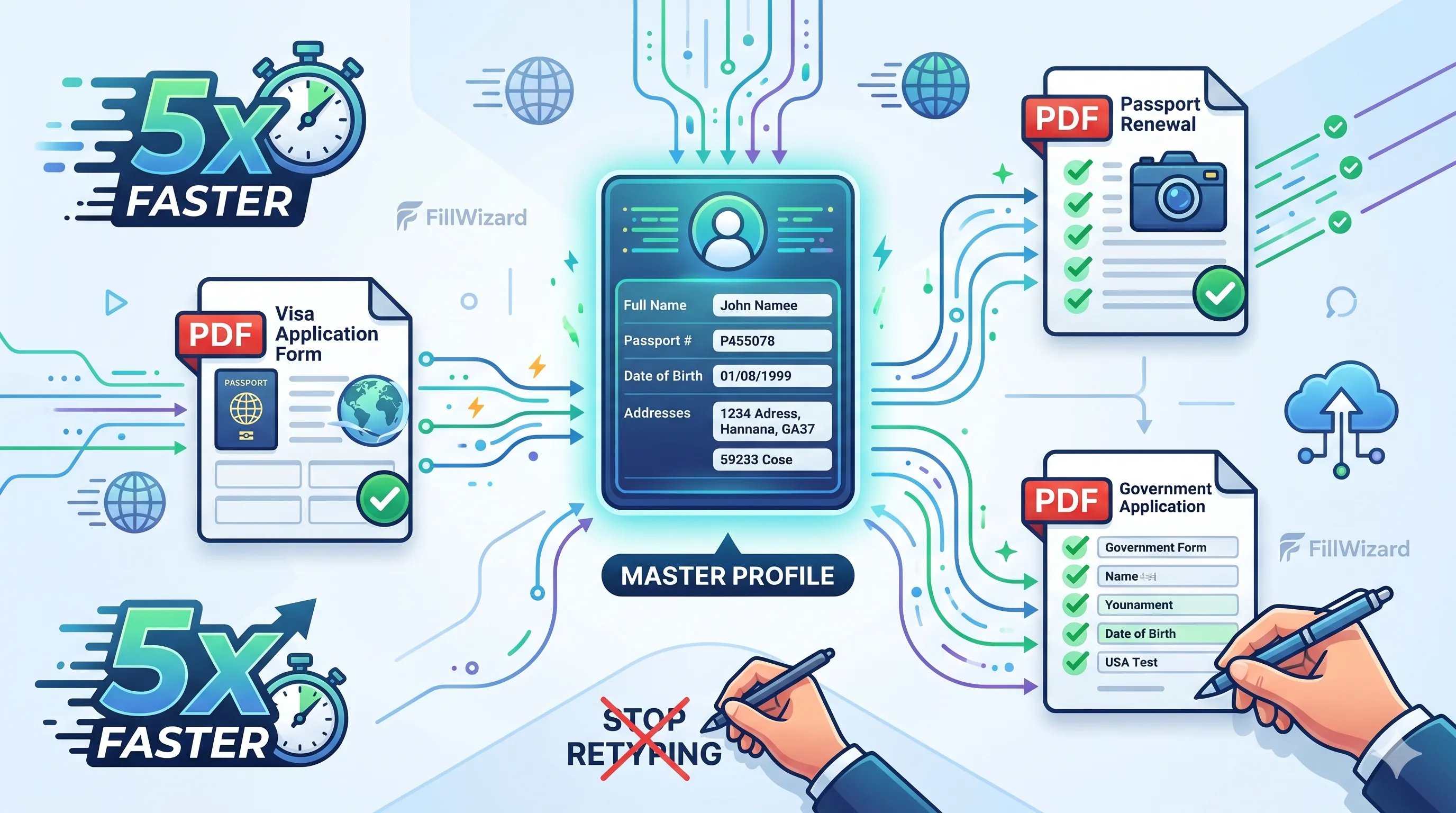 Productivity
How to Batch Fill PDF Forms from a Profile (Without Mail-Merge Pain)
Batch fill and prefill should mean enter once, fill many PDFs. Mail merge for fillable forms is the old workaround. A profile is the cleaner version of the same idea.
9 min readRead more Visa Workflows
DS-160 Family Application: Why the Family Button Still Makes You Retype Everything
A DS-160 family application is still one form per person. The family button on CEAC does almost nothing for shared fields. Profiles fix the retyping. CEAC still gets the final submit.
9 min readRead more