
DS-160 Autofill: How to Stop Retyping Your Whole Life Story on Every Visa Application
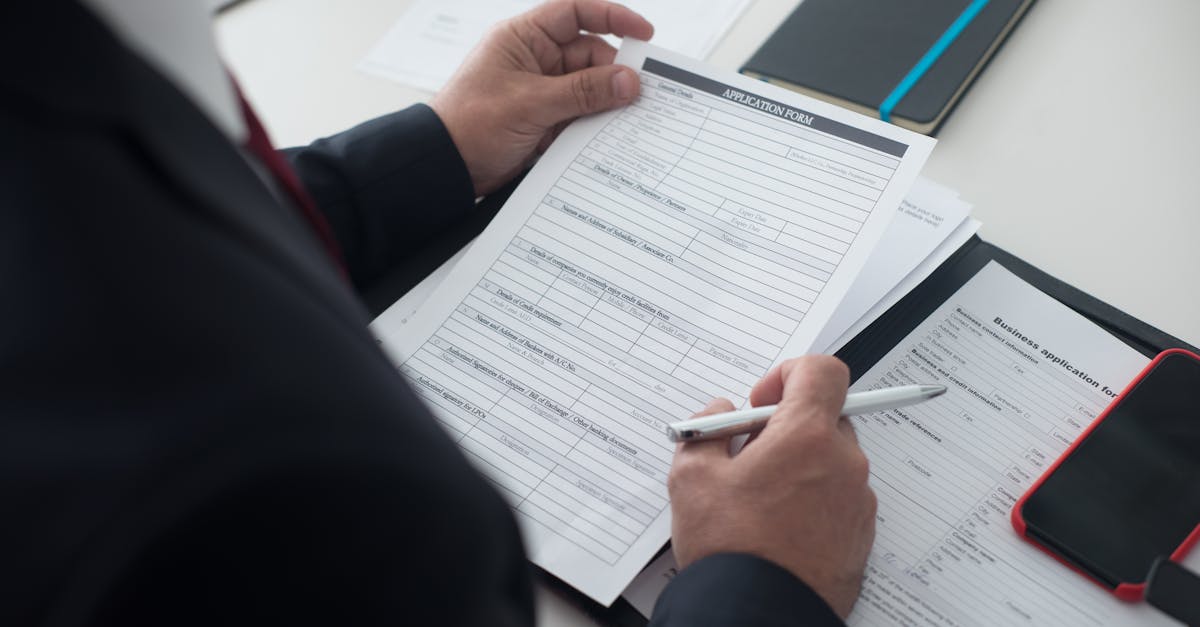
If you've filled a DS-160 from scratch, you know it isn't really a visa application. It's a thorough biography in 7-point font. Every address you've lived at since you were 16. Every job. Every trip to the US. Every social media handle. Your parents' birthplaces. Your spouse's parents' birthplaces. The form is so long it has its own folklore.
The official State Department guidance says "allow 90 minutes." That's optimistic, and assumes you have every document in front of you, no session timeouts, and a baseline tolerance for tedium that exceeds most humans. For a family of four, you're doing that four times. The math gets grim.
The good news: about 80% of what you type into a DS-160 is the same data you'll type into the DS-260, the I-129F, the I-134, and whatever PDF your consulate hands you next. The 80% is the part worth automating. This guide shows you how.
What "DS-160 autofill" actually means
A quick honest answer, because the search results lie about this one. The DS-160 lives on CEAC, the State Department's online consular system. You can't bolt third-party autofill onto CEAC without violating the terms of use, and any tool that claims it does is either lying or about to get its access revoked.
What you can do, and what immigration paralegals have been doing for years, is:
- Print the DS-160 worksheet PDF (most consulates and immigration offices distribute it).
- Pre-fill the worksheet from a saved profile that has all 90 answers in one place.
- Use the worksheet as a clean reference while you type the answers into CEAC.
That's the workflow FillWizard is built for. You're not bypassing CEAC. You're making CEAC entry take 15 minutes instead of 90, because every answer is already written down, spell-checked, and consistent with your passport.
The fields you'll retype if you don't have a profile
The painful part of the DS-160 isn't the form, it's the repetition. Across one applicant's full consular packet (DS-160 + supporting PDFs), you'll enter the same data anywhere from 3 to 8 times. Here's what shows up the most:
- Identity: Full name as it appears in your passport, every name variant you've used, date of birth, nationality, national ID number.
- Passport: Number, issue date, expiry date, issuing authority. (You will copy these wrong at least once if you're typing manually. Everyone does.)
- Address history: Every place you've lived for the last 5 years, with start and end dates.
- Family: Father's full name and birthplace, mother's full name and birthplace, spouse details, immediate family in the US.
- Employment: Current employer, address, phone, monthly salary, plus the same data for jobs in the last 5 years.
- Travel history: Every trip to the US in the last 5 years with arrival/departure dates.
If you put a profile in front of this list, you fill it once. The form fills itself for every DS-160 you ever touch.
How to build a DS-160-shaped profile in FillWizard
Five sections to add to your FillWizard profile before you open the DS-160 worksheet. Skip any of these and you'll be typing them in by hand anyway.
- Personal & passport. Name (legal), name (variants for transliterated scripts), DOB, birth city/country, nationality, national ID, passport number, passport issue/expiry, issuing authority.
- Address history. Each address as a row: street, city, country, start date, end date. Five years deep, in reverse chronological order.
- Employment history. Each job as a row: employer, address, phone, supervisor, monthly salary, start date, end date. Same 5-year depth.
- Family. Father (name, DOB, birthplace, US status), mother (same), spouse (same), children, siblings if relevant, any immediate family in the US.
- DS-160-specific. SEVIS ID if you have one, every prior US visit with dates, every social media handle the form asks for (the list updates yearly), prior US visa numbers if any.
This is the part where most people stop and realize they don't actually know their last employer's full address from memory. That's fine. Pull it from LinkedIn, your old pay stubs, or your previous DS-160. Whatever you put in once, you'll never look up again.
The supporting PDFs FillWizard handles from the same profile
Once the profile exists, the DS-160 worksheet is just the first form. The same data fills:
- DS-260 (Immigrant Visa Application) — overlaps with DS-160 by about 70%.
- I-129F (Petition for Fiancé(e)) — sponsor and beneficiary data, both pulled from one profile.
- I-134 (Declaration of Financial Support) — sponsor info, dependent info.
- DS-2019 (J-1 program) — applicant identity, program sponsor, financial details.
- Country-specific consular packets. Most embassies hand out scanned PDFs in their local language. FillWizard OCRs them, translates the labels, and maps your profile to the fields.
The first applicant in a packet takes 30 minutes of profile-building. The second, third, and fourth take about 5 minutes each, because the only thing changing is the per-applicant details.
For families and groups
If you're an immigration paralegal, this is the part that pays for the tool. A typical family of four under H-4 derivative status needs:
- 4× DS-160 worksheets
- 4× passport biographic pages
- Shared sponsor info repeated across all four
- Shared address history (kids share their parents' addresses)
- Shared family tree (everyone has the same grandparents)
The shared data is the bulk of every form. With a parent profile that gets duplicated and lightly edited per dependent, a family-of-four packet drops from 4–6 hours of typing to under an hour. [Cue the firm partners pretending they always thought this was possible.]
DS-160 mistakes a profile prevents
A profile doesn't just save time. It removes the specific errors that get DS-160s flagged for administrative processing. The five most common ones we see:
- Name mismatch between DS-160 and passport. Especially with transliterated names where one form has "Mohammed" and another has "Muhammad."
- Address date overlaps. Two addresses claiming the same month, or a one-day gap that says you were homeless on May 14th.
- Employment date mismatches between the DS-160 and the I-134 sponsor declaration.
- Passport expiry typo. The DS-160 wants the expiry in MM/DD/YYYY. The passport prints it in DD/MM/YYYY. Half the planet flips this.
- Family birthplace inconsistency between the DS-160 and the I-130 you filed two years ago. Consular officers check.
A single-source profile eliminates all five. The form pulls from the same record every time. If you change your address, you change it in one place, and the next DS-160 and the next DS-260 both update.
What this looks like end-to-end
A real DS-160 prep on a saved profile takes about 15 minutes:
- Open your master profile in FillWizard (1 minute to confirm nothing changed).
- Upload the DS-160 worksheet PDF (30 seconds).
- Review the auto-filled fields (5 minutes — focus on the case-specific ones: travel dates, purpose of visit, sponsor for this trip).
- Export the worksheet (10 seconds).
- Open CEAC and type the answers in, using the worksheet as a clean reference (8 minutes).
You'll spend more time on the photo upload than on the form itself. That's the right outcome.
Start a visa profile
If you fill DS-160s regularly, the profile is the single most useful thing you can build. Set it up once, reuse it across every consular packet, and let the typing time become the photo-upload time.
For the rest of the immigration PDF stack, see the visa packet checklist and the multilingual PDF profile guide.
Checklist
- Save one master profile with passport, address history for the last 5 years, employment history, family details, and travel history.
- Add DS-160-specific fields once: SEVIS ID, prior US visit dates, social media handles.
- Pre-fill the DS-160 worksheet PDF first, then copy answers into CEAC. Way faster than typing live.
- Reuse the same profile for DS-260, I-129F, I-134, and every consular packet PDF.
- For families, duplicate the parent profile per dependent. Never retype the shared sponsor or address again.
Related articles
 Multilingual Workflows
Arabic Forms with AI: Dual-Script Names, Hijri Dates, and RTL Layouts That Actually Work
Most tools translate the label and stop. Real Arabic form work needs dual-script names, Hijri dates, and a review layer that flows the right way.
9 min readRead more Visa Workflows
How AI Fills the DS-160 Visa Form in 4 Minutes (and What It Cannot Do)
The DS-160 takes 90 minutes the first time and 60 minutes the second time. AI can fill most of it in four. The interview still belongs to you and the consular officer.
8 min readRead more Tax Workflows
German Tax Forms with AI: A Practical Guide to Elster, Anlage N, KAP and S
Elster is mandatory for most filings, but the UX is brutal. Here is how Anlage N, KAP, and S really work, and how AI can pre-fill them from receipts and payslips before you submit through Elster.
8 min readRead more