
Immigration Form Filling Software: How to Pick One (and How to Use It Without Losing the Family Tree)

A family-of-four green card packet has about 22 PDF forms in it. Six of them are different shapes of the same data. The other sixteen are USCIS, consular, and supporting paperwork that all reference the same family tree the first six already captured.
If you fill these by hand — and a lot of solo immigration practices still do — you'll spend 4 to 6 hours per family on data entry alone. The forms aren't difficult. They're just relentlessly repetitive, with subtle traps in the way each one wants the same address formatted slightly differently.
Immigration form filling software exists to make this not be your job anymore. This guide covers what to look for in a tool, the field map of a typical family case, and the workflow that takes a 6-hour packet to under an hour.
The shape of a real immigration case
Before we talk about software, here's what the case actually contains. A family-based adjustment of status case (one of the most common workflows in US immigration) involves:
- I-130 (Petition for Alien Relative): one per beneficiary. Family tree, sponsor info, prior addresses.
- I-485 (Application to Adjust Status): one per beneficiary. Personal, employment, immigration history.
- I-864 (Affidavit of Support): one per sponsor-beneficiary pair. Sponsor income, household size, dependents.
- I-765 (Application for Employment Authorization): one per beneficiary who wants to work during pendency.
- I-693 (Medical Examination): one per beneficiary, sealed by the civil surgeon.
- G-325A or biographic data sheet: as required.
- DS-260 or DS-160 worksheet: depending on consular versus AOS posture.
For a family of four (sponsor plus three derivatives), that's roughly 22 form instances. The form-level overlap is enormous. Every address goes on the I-130 and I-485. Every prior name shows up on the I-130, I-485, and G-325A. Sponsor income goes on the I-864 and is referenced indirectly on three other forms.
A tool that fills these from one record is doing useful work. A tool that doesn't is just a digital typewriter.
What to look for in immigration form filling software
Five capabilities that separate something useful from a glorified PDF editor.
1. Family-level profiles
The unit of data in immigration isn't an applicant, it's a family. A good tool lets you build a parent profile (shared data: addresses, sponsor employer, family tree, immigration history) and per-applicant child profiles (passport, biographic, employment, education). Forms pull from both. Add a fourth dependent and you don't retype the household.
If a tool only supports per-applicant profiles, you'll be retyping the family tree four times per case. That's most of the pain you were trying to escape.
2. USCIS edition tracking
USCIS revises forms regularly. The edition date in the bottom-right corner of every form is binding — submitting the prior edition past the cutoff date is grounds for rejection. A good tool either pulls the latest edition automatically or lets you upload a new edition and re-map fields in minutes.
Ask for the vendor's edition update policy in writing. "We update within 5 business days of USCIS release" is a useful answer. Silence is a red flag.
3. OCR for scanned consular forms
Most consulates distribute supporting paperwork as scanned PDFs in the local language. A tool that only handles native fillable PDFs handles maybe 60% of a real case. The other 40% is scanned worksheets, country-specific declarations, and sponsor letters that arrive as image-only PDFs.
The right tool OCRs the scan, recognizes the field labels (in whatever language), and maps your profile to them. You review and export. This single capability is the difference between "useful for I-130s" and "useful for an actual practice."
4. Multilingual label support
Related but distinct: when the form labels are in Arabic, French, Spanish, or German, the tool needs to translate them to match your profile's field schema. This matters most for consular forms from non-Anglophone embassies and for clients whose home-country documents need referencing.
5. Clean export and audit trail
When the packet ships, you need a PDF that's indistinguishable from a hand-typed one and an audit log of what was filled from where. The audit log matters for malpractice defense and for the inevitable client question of "wait, why does this say my address from 2019?"
The workflow with software in place
A real adjustment-of-status family packet, prepared in software, looks like this:
- Intake (15 minutes). Build the parent family profile from the client questionnaire: addresses, sponsor data, family tree.
- Per-applicant data (10 minutes × 4 = 40 minutes). Add each applicant's passport, biographic, employment, and education to their child profile.
- Auto-fill the USCIS PDFs (10 minutes). Run the I-130, I-485, I-864, I-765, G-325A through the autofill. Most of the field map populates from the parent and child profiles.
- Manual review (20 minutes). Walk through each form, focusing only on the fields that needed case-specific input: this filing's priority date, the medical exam edition, employment authorization category code.
- Export and assemble (5 minutes). Generate the final PDFs, stack them in the USCIS-required order, attach the supporting docs.
Total: about 90 minutes for a four-person family. Compared to the 4–6 hours of hand-typing the same case, the math is obvious.
Where most practices waste time
Two specific traps that even profile-based workflows can fall into.
Trap 1: Letting the profile go stale. If the client moves and the profile doesn't get updated before the next form ships, the new form has the wrong address. Build a one-question intake check ("any address, employment, or family changes since the last filing?") into your client onboarding for the case.
Trap 2: Skipping the manual review. The auto-fill is fast. It's also wrong about 5% of the time, usually on case-specific fields (the priority date, the bonded employer's exact legal name, the specific eligibility category for I-765). Twenty minutes of manual review per family is non-negotiable. Skipping it is how RFEs happen.
What software doesn't do
Worth being clear about the limits. Immigration form filling software:
- Doesn't tell you what filings to make. That's the lawyer's job.
- Doesn't track deadlines. That's a case management system or a calendar.
- Doesn't draft legal arguments. Forms are forms; the brief is separate.
- Doesn't fill the CEAC web form. No third-party tool can without violating CEAC's terms. The DS-160 worksheet PDF is the workaround.
If you need any of those things, you need a case management system in addition to (not instead of) form filling software. The two stack well.
Start a family profile
If you handle more than two family cases a quarter, the family-profile workflow is the single most useful investment you can make in your practice operations. Set one up, seed it from your most recent active case, and let the next packet run on rails.
For form-specific guidance, see the DS-160 autofill guide and the visa packet checklist. For multilingual consular workflows, see the multilingual PDF profile guide.
Checklist
- Save one family profile with shared data: addresses, sponsor info, employer, family tree, prior immigration history.
- Add a per-applicant child profile for each family member: passport, biographic data, employment, education.
- Pre-fill the worksheet PDFs (DS-160, DS-260) before live entry into CEAC.
- Reuse the same profile for the USCIS PDFs: I-130, I-485, I-864, I-765, I-693, G-325A.
- For scanned consular forms in local languages, use OCR to read the labels and map them to the same profile.
Related articles
 Tool Comparisons
Adobe Fill & Sign Alternative When Autofill Suggests the Wrong Name
Adobe Fill & Sign remembers more than you want. Wrong name. Previous customer's signature. Private medical details on the next PDF. This guide covers when to clear the cache, when to keep Acrobat, and when a reusable profile is the safer Adobe Fill & Sign alternative.
8 min readRead more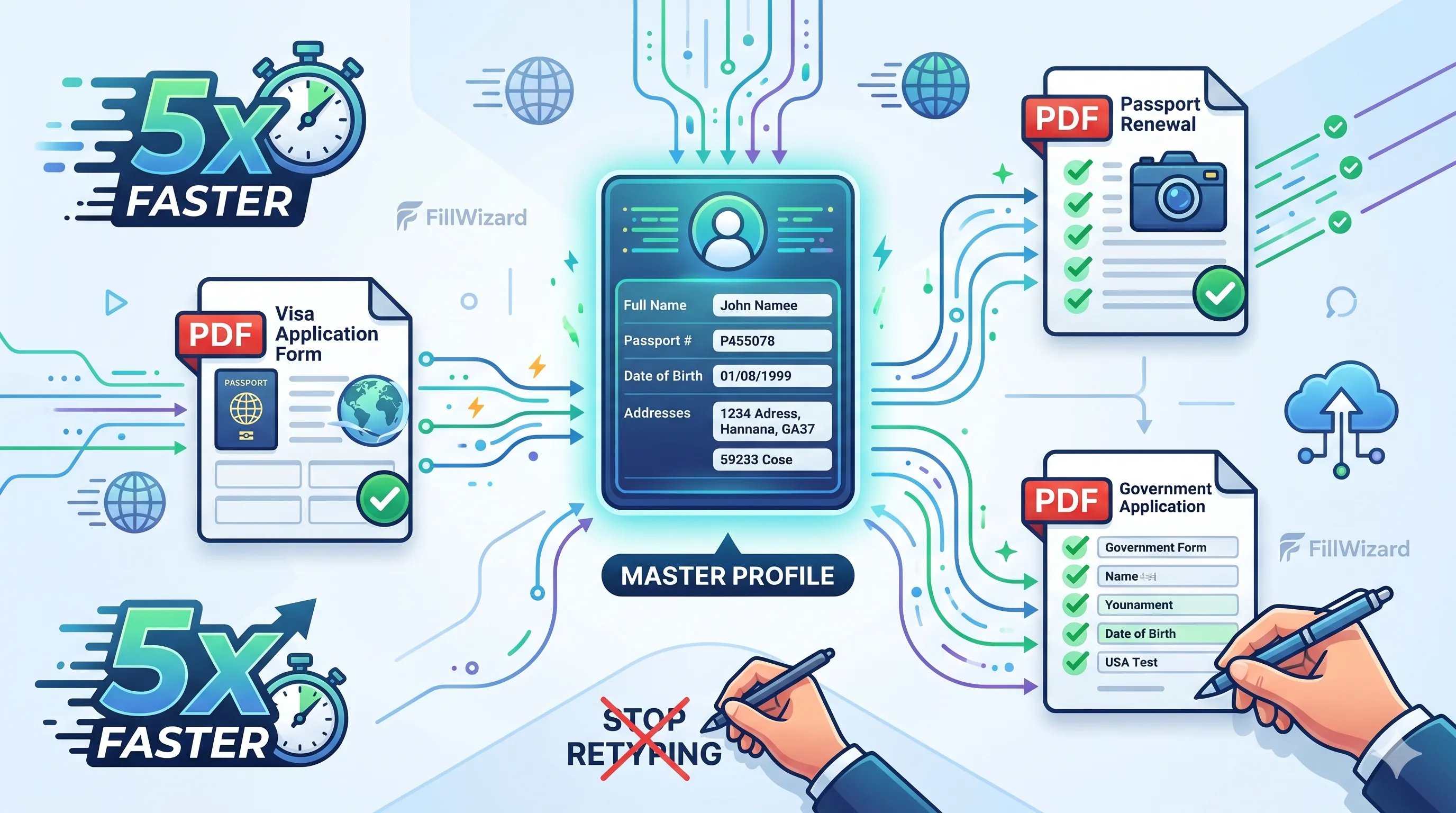 Productivity
How to Batch Fill PDF Forms from a Profile (Without Mail-Merge Pain)
Batch fill and prefill should mean enter once, fill many PDFs. Mail merge for fillable forms is the old workaround. A profile is the cleaner version of the same idea.
9 min readRead more Visa Workflows
DS-160 Family Application: Why the Family Button Still Makes You Retype Everything
A DS-160 family application is still one form per person. The family button on CEAC does almost nothing for shared fields. Profiles fix the retyping. CEAC still gets the final submit.
9 min readRead more