
How AI Fills the DS-160 Visa Form in 4 Minutes (and What It Cannot Do)
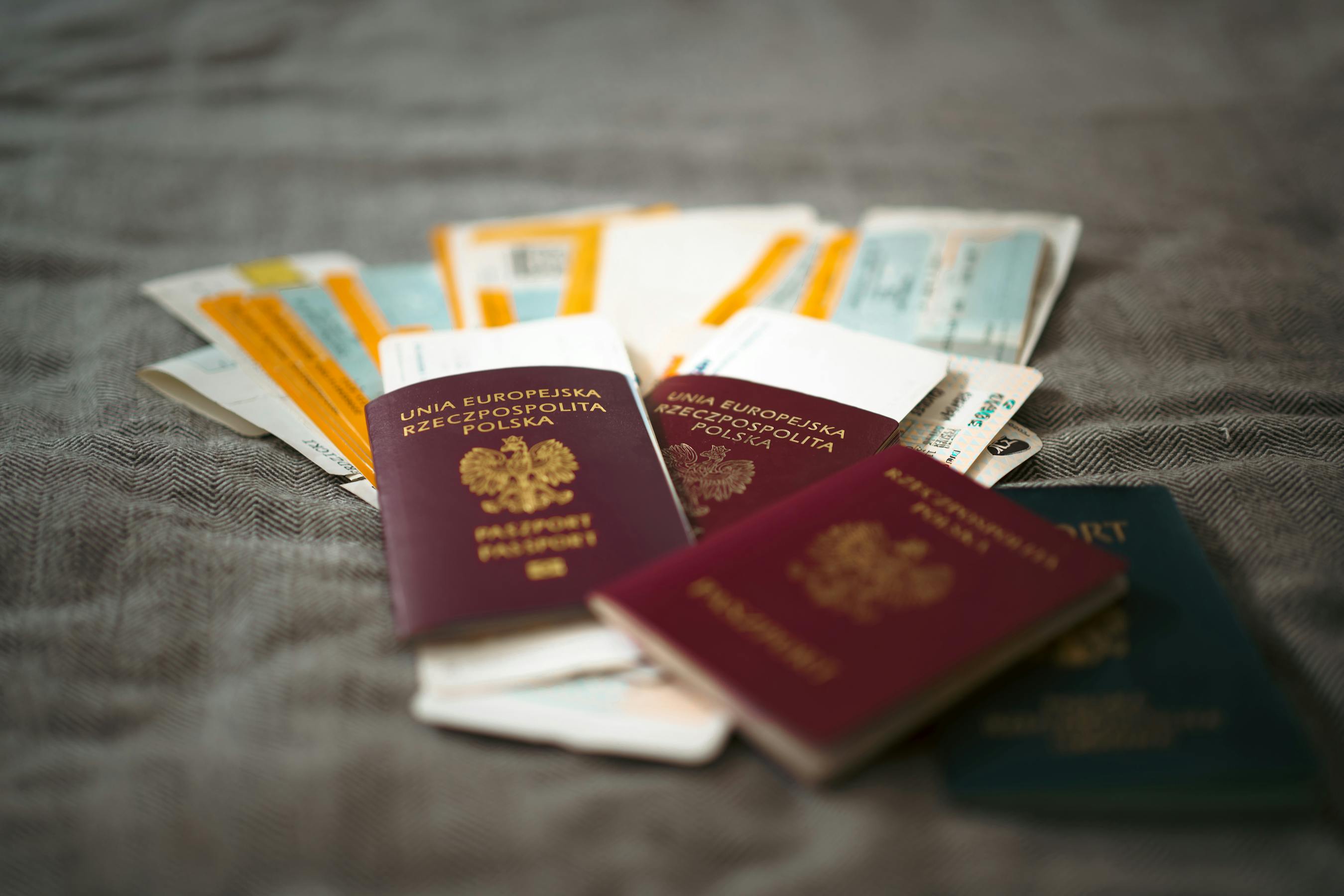
The DS-160 is the US nonimmigrant visa application. Every B1, B2, F1, M1, J1, H1B applicant, every visitor, student, and short-term worker, fills one before the consular interview. It runs 6 to 9 pages depending on visa category, asks about 100 questions, and takes most people 60 to 90 minutes the first time, 45 to 60 the second.
About 80 percent of those fields are data that already exists somewhere: your passport, your last US visa, your I-94, your last five years of travel, your work history, your education. AI can extract and pre-fill that 80 percent in under five minutes. The other 20 percent stays with you. That means the security questions, the photo upload, the final review, and the submission on CEAC. This post is about the line between the two.
What the DS-160 actually asks
The form breaks into roughly nine sections. The order changes slightly by visa class, but the content is consistent:
- Personal info, Part 1 — Surname, given names, full name in native alphabet, sex, marital status, date of birth, place of birth.
- Personal info, Part 2 — Nationality, other nationalities, national identification number, passport number, US Social Security number if any.
- Travel — Purpose of trip, intended date of arrival, length of stay, US address, who is paying.
- Travel companions — Other people traveling with you.
- Previous US travel — Last visit, last visa, visa refusals, US driver's license, lost or stolen passports.
- Address and phone — Home address, mailing address, phone numbers, email, social media handles.
- Family — Parents' names and dates of birth, spouse, immediate relatives in the US.
- Work, education, training — Current employer, prior employers (last five years), schools attended, languages spoken.
- Security and background — The yes-or-no questions on health, criminal history, security, immigration, and miscellaneous.
Sections 1, 2, 5, 6, 7, and 8 are pure data. AI handles them well. Section 9 is sworn personal testimony. AI stays out.
What AI extracts cleanly
Upload three images and the structured part of the DS-160 fills itself:
- Passport photo page. The MRZ at the bottom is the source of truth for surname, given names, sex, date of birth, place of birth, nationality, passport number, and passport expiration. AI reads it in under a second. Photo-page text (in the local script) gives the native-alphabet name field.
- Prior US visa label. Visa class, visa number, issuing post, issue date, and expiration date. If you have ever had a B1/B2, F1, or H1B, this saves you 4 fields and stops you from misremembering the issuing post.
- Last I-94 record. Class of admission and admit-until date for your last US entry. Available at i94.cbp.dhs.gov as a PDF; AI reads it as easily as a passport.
For the rest, AI pulls from what you give it: a one-paragraph travel history, a resume, a school transcript. Map the fields once, reuse the profile across every future DS-160 in your household.
What AI cannot do
Five things the application asks for that no tool should automate for you:
- The 15 security and background questions. Health, criminal record, terrorism, child abduction, deportation history, prior visa refusals, prior overstays. Every answer is a sworn statement. A wrong answer is treated as material misrepresentation. Answer these personally, after reading each one slowly. If anything looks ambiguous, talk to an immigration lawyer before you click yes or no.
- The photo upload. The DS-160 photo is 5x5 cm, white background, no glasses, no head covering except for religious reasons, taken in the last six months. AI can crop and color-correct, but you still take the photo and you still upload it on CEAC.
- The CEAC submission itself. No third-party tool can press submit for you. State Department systems block automated submissions, and the signed declaration at the end is your personal attestation. You type your data, click through, and generate the confirmation barcode yourself.
- The consular interview. The interview is the human checkpoint. The consular officer has wide discretion under INA 214(b) to refuse based on a hunch about your ties to your home country. No filled form, no perfect application, and no AI tool changes that conversation.
- Predict the outcome. Refusal rates vary by post, by nationality, by season, by visa class. AI will not tell you you are going to get the visa. Anyone promising otherwise is wrong.
The translation calls that matter
DS-160 is English-only at submission, but applicants speak every language. A few rules from real refusal patterns:
- Romanize from the passport MRZ, not from your social media. The MRZ line is what every Department of State and CBP system matches against. Spanish accents (José vs Jose), Arabic transliterations (Yousef vs Youssef vs Yusuf), Korean Revised Romanization vs McCune-Reischauer — pick the version on your passport's MRZ and use that one.
- List every other spelling you have ever used under "Other Names Used". Driver's license, prior US visa, university diploma. Missing this is a top refusal reason for applicants with non-Latin-script names.
- Native-alphabet name field accepts Arabic, Chinese, Korean, Cyrillic, Devanagari, and others. Fill it in your native script if your passport shows one. Leave it blank only if your passport has no native-script name.
- Dates use US format: day, month, year as separate dropdowns. AI converts dd/mm/yyyy or Hijri dates automatically; double-check the year on the dropdown before you submit.
- Addresses use US conventions: street number, street name, city, state, postal code. "Calle 5 de Mayo 142" becomes "142 Calle 5 de Mayo" in the line-1 field. AI handles the reorder but always shows you the result.
The CEAC flow, in real time
Here is the actual sequence on the day you apply:
- Go to ceac.state.gov, select your consular post, click "Start an Application", and write down the application ID and your security question answer. The session expires after 30 days of inactivity.
- Open your AI-prepared profile next to the CEAC tab. Copy each field across page by page. The structured pages (personal, travel, family, work) take about 4 minutes of typing.
- Upload your photo. CEAC accepts it or rejects it within seconds. If rejected, you fix the photo, you do not restart the application.
- Answer the security and background questions yourself. Take 10 minutes. Read each one twice.
- Review every page. Submit. Pay the MRV fee separately on the consular post's website.
- Print the confirmation page with the barcode. Bring it, your passport, your appointment letter, your photo, your fee receipt, and your supporting documents to the interview.
The barcode is final. There is no edit-after-submit. If you find a typo after submitting, you start a new DS-160 and bring both confirmation pages to the interview. The consular officer will pull the latest one.
Where this fits in a household visa run
For a family of four applying together, the time savings compound. The parents' DS-160s reuse the same family info, addresses, and travel history. The kids' DS-160s reuse the parents' work, education, and contact info as references. AI pre-fills all four in about 12 minutes total instead of four hours.
CEAC's family application button still does not carry those shared fields for you. For that 1:N workflow (same form, many people), see DS-160 family application without retyping.
For a broader picture of visa packet preparation, see scanned PDF to fillable form. For applicants doing this in Spanish-speaking communities, see Spanish-language US immigration forms.
How to build a DS-160-shaped profile in FillWizard
Five sections to add to your FillWizard profile before you open the DS-160 worksheet. Skip any of these and you'll be typing them in by hand anyway.
- Personal & passport. Name (legal), name (variants for transliterated scripts), DOB, birth city/country, nationality, national ID, passport number, passport issue/expiry, issuing authority.
- Address history. Each address as a row: street, city, country, start date, end date. Five years deep, in reverse chronological order.
- Employment history. Each job as a row: employer, address, phone, supervisor, monthly salary, start date, end date. Same 5-year depth.
- Family. Father (name, DOB, birthplace, US status), mother (same), spouse (same), children, siblings if relevant, any immediate family in the US.
- DS-160-specific. SEVIS ID if you have one, every prior US visit with dates, every social media handle the form asks for (the list updates yearly), prior US visa numbers if any.
This is the part where most people stop and realize they don't actually know their last employer's full address from memory. That's fine. Pull it from LinkedIn, your old pay stubs, or your previous DS-160. Whatever you put in once, you'll never look up again.
DS-160 mistakes a profile prevents
A profile doesn't just save time. It removes the specific errors that get DS-160s flagged for administrative processing. The five most common ones we see:
- Name mismatch between DS-160 and passport. Especially with transliterated names where one form has "Mohammed" and another has "Muhammad."
- Address date overlaps. Two addresses claiming the same month, or a one-day gap that says you were homeless on May 14th.
- Employment date mismatches between the DS-160 and the I-134 sponsor declaration.
- Passport expiry typo. The DS-160 wants the expiry in MM/DD/YYYY. The passport prints it in DD/MM/YYYY. Half the planet flips this.
- Family birthplace inconsistency between the DS-160 and the I-130 you filed two years ago. Consular officers check.
A single-source profile eliminates all five. The form pulls from the same record every time. If you change your address, you change it in one place, and the next DS-160 and the next DS-260 both update.
What to do this week
Pull out your passport, your last US visa label (if you have one), and your last I-94. Photograph all three. Run them through AI extraction. You will have a complete profile ready for the next DS-160 in about 4 minutes. The next time you, your spouse, or your kids apply, you start from that profile instead of from a blank CEAC page. The interview is still yours. The 90-minute typing session is not.
Checklist
- Have your passport, your last US visa (if any), and your last I-94 in hand before you start. AI extracts from images of all three.
- Use the exact romanized name from the passport's MRZ line. The DS-160 surname must match passport-machine-readable, not your social media spelling.
- Capture your last five years of travel: dates of entry and exit, country, purpose. Old passport stamps and prior visa labels are enough.
- Save the application ID and write down the CEAC security question answer. The DS-160 session expires after 30 days of inactivity.
- Review every AI-filled field before you submit. The confirmation barcode is final — you cannot fix typos after submission, only restart with a fresh application.
Related articles
 Tool Comparisons
Adobe Fill & Sign Alternative When Autofill Suggests the Wrong Name
Adobe Fill & Sign remembers more than you want. Wrong name. Previous customer's signature. Private medical details on the next PDF. This guide covers when to clear the cache, when to keep Acrobat, and when a reusable profile is the safer Adobe Fill & Sign alternative.
8 min readRead more Productivity
How to Batch Fill PDF Forms from a Profile (Without Mail-Merge Pain)
Batch fill and prefill should mean enter once, fill many PDFs. Mail merge for fillable forms is the old workaround. A profile is the cleaner version of the same idea.
9 min readRead more Visa Workflows
DS-160 Family Application: Why the Family Button Still Makes You Retype Everything
A DS-160 family application is still one form per person. The family button on CEAC does almost nothing for shared fields. Profiles fix the retyping. CEAC still gets the final submit.
9 min readRead more