
German Tax Forms with AI: A Practical Guide to Elster, Anlage N, KAP and S
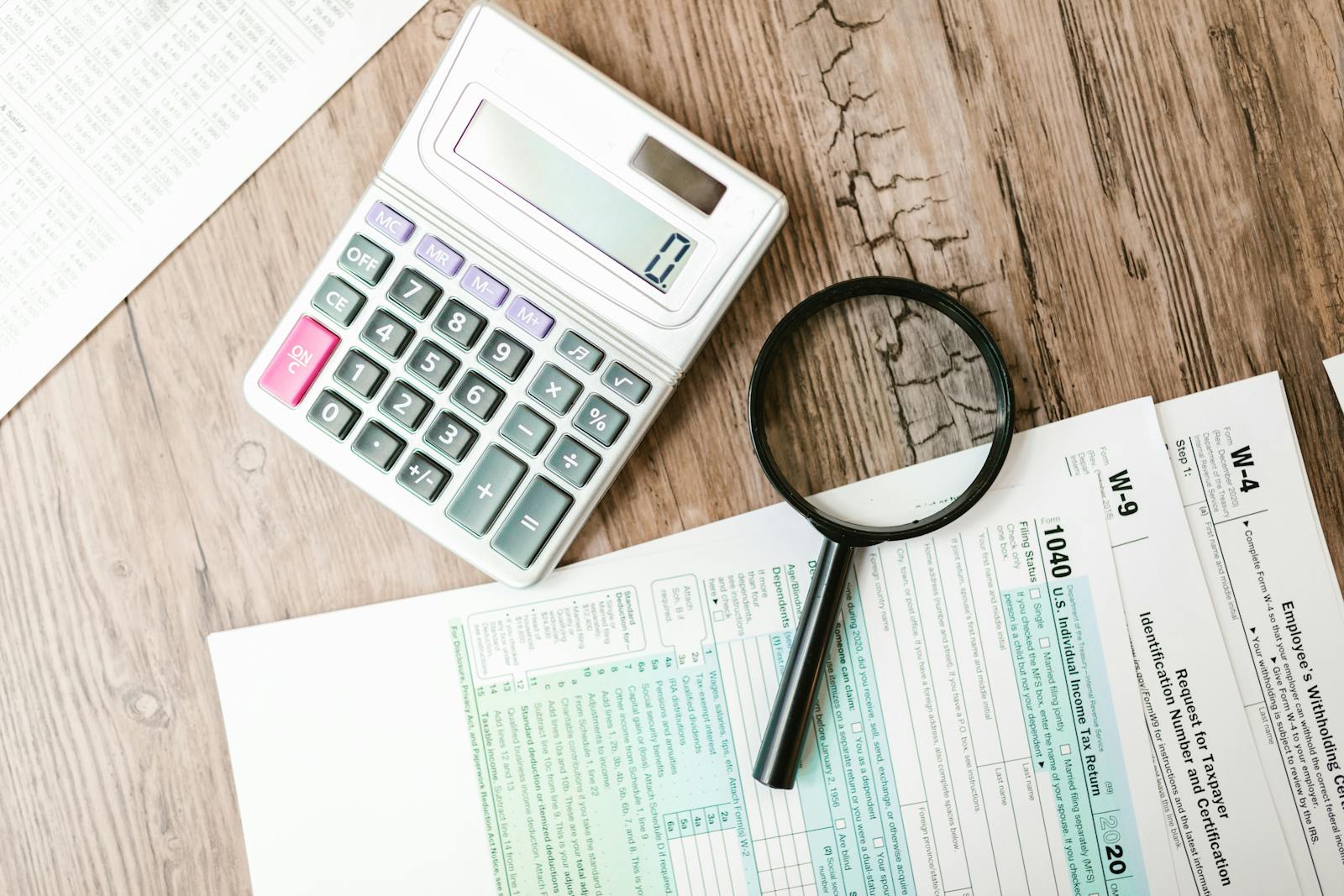
Germany has the most form-heavy tax system in Europe. The basic return (Mantelbogen) is short. The Anlagen attached to it are not. A typical filing for an employed person with side income, investments, and a few Werbungskosten can run six forms, twelve attachments, and an evening of receipt-hunting.
Elster, the Finanzamt's official portal, is mandatory for most submissions but its UX has not aged well. This guide explains the main Anlagen you actually need, where the rules tighten in 2026, and how AI can pre-fill the numbers before you submit through Elster.
The shape of a German tax return
Every return starts with the Hauptvordruck ESt 1 A (sometimes called the Mantelbogen). It captures personal data: name, tax ID, address, family status, religious affiliation, bank details for the refund. Everything else hangs off it as a separate Anlage.
The five Anlagen that cover most personal filings:
- Anlage N — employment income (Einkünfte aus nichtselbständiger Arbeit).
- Anlage KAP — capital gains and investment income.
- Anlage S — self-employed freelance income (Freiberufler).
- Anlage G — commercial business income (Gewerbe).
- Anlage Vorsorgeaufwand — pension contributions, health insurance, private retirement.
You pick the Anlagen you need based on what income types you had that year. An employed engineer with a savings account and Riester pension fills N, KAP, and Vorsorgeaufwand. A freelance designer fills S, KAP, and Vorsorgeaufwand. A business owner fills G, KAP, and Vorsorgeaufwand.
Anlage N: the employed person's form
If you receive a Lohnsteuerbescheinigung (annual wage statement) from an employer, you file Anlage N. Most of the form auto-populates if you pull the Vorausgefüllte Steuererklärung from Elster, because your employer already reported your gross salary, tax withheld, and social contributions.
What you add manually is Werbungskosten (employment-related expenses):
- Entfernungspauschale — commute allowance. 0.30 EUR per kilometer for the first 20 km of your one-way commute, then 0.38 EUR per kilometer for anything beyond that. Multiplied by your actual workdays.
- Homeoffice-Pauschale — 6 EUR per home-office day, capped at 1,260 EUR per year (210 days).
- Arbeitsmittel — work laptop, desk, monitor, professional literature.
- Fortbildung — courses and certifications connected to your current job.
- Doppelte Haushaltsführung — costs for a second household near your workplace.
Everyone gets the Arbeitnehmer-Pauschbetrag of 1,230 EUR automatically. You only need to itemize Werbungskosten if they exceed this floor.
FillWizard's dedicated Anlage N tool turns this into a five-minute job: upload your Lohnsteuerbescheinigung, add commute and home-office days, and export the completed PDF.
Anlage KAP: investments, savings, capital gains
Anlage KAP covers Kapitalerträge: interest, dividends, gains on stocks and ETFs, crypto held over a year is usually outside this form. The German Abgeltungsteuer of 25% (plus Soli and Kirchensteuer) is withheld automatically by German banks. So why file?
Three reasons:
- You exceeded your Sparer-Pauschbetrag at multiple banks. The 1,000 EUR (or 2,000 EUR for couples) tax-free allowance gets split across Freistellungsaufträge. If one bank used 400 EUR and another 700 EUR, you net out on Anlage KAP.
- You held foreign accounts (Interactive Brokers, Trade Republic for non-German ETFs, DEGIRO). No German withholding happens automatically. You declare and pay through KAP.
- You had losses to net against gains at other brokers. KAP is where the offset happens.
You need a Steuerbescheinigung from every broker and bank. Without it, you cannot reclaim foreign withholding tax or net out losses.
Anlage S: the Freiberufler form
Freelance professionals (Freiberufler under §18 EStG) file Anlage S. This includes doctors, lawyers, journalists, IT consultants, architects, designers, translators, tax advisors. The hallmark: you are paid for your professional judgment, not for selling goods or running a commercial operation.
Anlage S itself is short. The work happens in the attached Einnahmen-Überschuss-Rechnung (EÜR), a separate Anlage that lists every receipt and every business expense for the year. Output: your Gewinn (profit), which goes on Anlage S line 4.
The 2026 rule that bites: receipts of 250 EUR or more must be kept for ten years, with a complete invoice (Rechnung mit allen Pflichtangaben). For receipts under 250 EUR (Kleinbetragsrechnungen), the rules are looser but you still need supplier, date, amount, and VAT.
Anlage Vorsorgeaufwand: pension and insurance
Often overlooked, often the biggest single deduction. Vorsorgeaufwand captures:
- Statutory pension contributions (Rentenversicherung).
- Statutory or private health and long-term care insurance (Kranken- und Pflegeversicherung).
- Riester and Rürup private pension contributions.
- Berufsunfähigkeitsversicherung (occupational disability insurance).
In 2026, you can deduct 100% of your Rentenversicherung contributions up to the annual cap. For employees, your employer's contribution counts toward this cap, so the marginal benefit is smaller than you might think. For self-employed who pay both sides themselves, this is one of the largest deductions on the return.
Where AI fits in the workflow
The painful part of German tax filing is data collection. Pulling Lohnsteuerbescheinigung PDFs out of email. Matching commute kilometers to actual workdays. Aggregating Steuerbescheinigungen from three brokers. Sorting receipts above 250 EUR from receipts below. Tagging each one to the correct Werbungskosten category.
Once the numbers are gathered, typing them into Elster is the easy part. AI takes the data-collection layer off your plate: read every Beleg, classify it (Arbeitsmittel, Fortbildung, Homeoffice), sum it by category, then output a clean structured pre-fill you paste into Elster.
What AI does not do: submit the return. The Finanzamt does not expose a third-party API. The final submission goes through Elster, Mein Elster, or an authorized commercial program (WISO, Taxfix, smartsteuer, Buhl, Lexware). FillWizard sits one step before Elster, not in its place. For the broader pattern, see scanned PDF to fillable form.
What to try this week
Pick the most painful form on your return. For most employed readers that is Anlage N with itemized Werbungskosten. Gather one month of receipts: train tickets, home-office days, work books, the new monitor. Run them through an AI extractor and check the totals against your bank statement. If the numbers match, you have just compressed an evening of receipt-tagging into 10 minutes. Repeat for the rest of the year, then paste into Elster.
Checklist
- Pull a Vorausgefüllte Steuererklärung from Elster first. It gives you employer wage data, pension data, and health insurance amounts already on file with the Finanzamt.
- For Anlage N, collect your Lohnsteuerbescheinigung, monthly commute distance, and any home-office days before you start filling.
- For Anlage KAP, gather Steuerbescheinigungen from every broker and bank. Without them you cannot reclaim foreign withholding tax.
- For Anlage S, prepare your Einnahmen-Überschuss-Rechnung (EÜR) and every receipt above 250 EUR for the year.
- Submit through Elster, Mein Elster, or an authorized commercial software. There is no third-party API for filing in Germany.
Related articles
 Tool Comparisons
Adobe Fill & Sign Alternative When Autofill Suggests the Wrong Name
Adobe Fill & Sign remembers more than you want. Wrong name. Previous customer's signature. Private medical details on the next PDF. This guide covers when to clear the cache, when to keep Acrobat, and when a reusable profile is the safer Adobe Fill & Sign alternative.
8 min readRead more Productivity
How to Batch Fill PDF Forms from a Profile (Without Mail-Merge Pain)
Batch fill and prefill should mean enter once, fill many PDFs. Mail merge for fillable forms is the old workaround. A profile is the cleaner version of the same idea.
9 min readRead more Visa Workflows
DS-160 Family Application: Why the Family Button Still Makes You Retype Everything
A DS-160 family application is still one form per person. The family button on CEAC does almost nothing for shared fields. Profiles fix the retyping. CEAC still gets the final submit.
9 min readRead more