
The Guide to Filling Multilingual PDF Forms (Arabic, English, etc.)
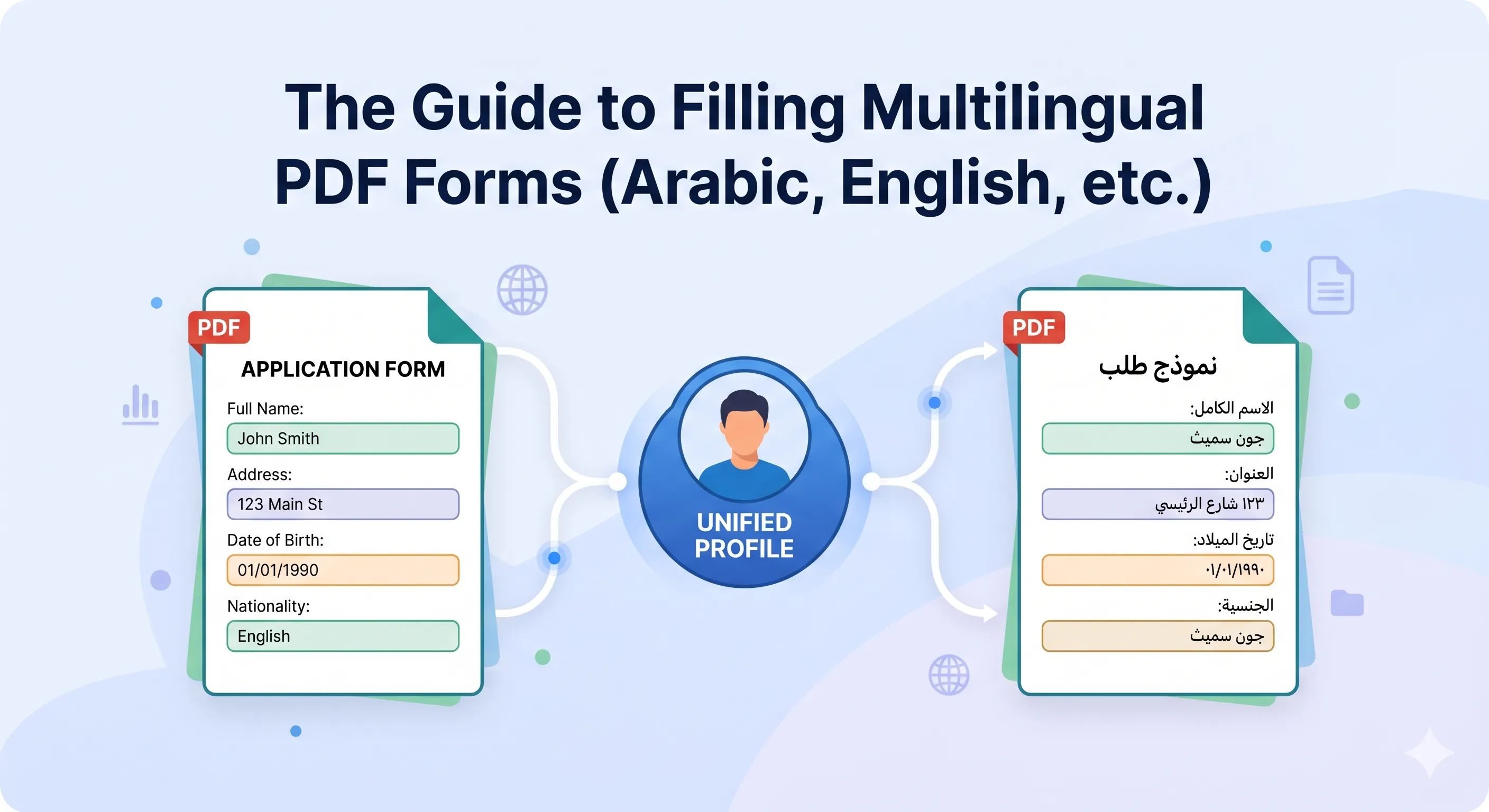
Your company is expanding into the Middle East. You're an immigration agency with clients from around the globe. You're an insurer processing claims from a diverse customer base. The challenge is always the same: you're drowning in paperwork in multiple languages.
An applicant's name is "Mohamed" on one form, but must be "محمد" on another. The address format for a French document is completely different from a US one. Manually managing this is a recipe for disaster. Each time you re-type, you risk inconsistency, errors, and rejection. This data fragmentation creates chaos.
The solution is to stop thinking about forms and start thinking about data. By creating a Unified Multilingual Profile, you establish a single source of truth that can feed any form, in any language, on demand.
The Problem: Data Silos and Inconsistency
When data is managed manually, each new form creates a new, isolated data silo.
- The English version of a client's name is in one PDF.
- The Arabic version is in another.
- An intern guesses the French translation of a job title for a third.
There is no single source of truth. When an address changes, it must be updated in a dozen different places, hoping none are missed. This isn't just inefficient; it's a serious business risk.
The Solution: The Unified Multilingual Profile
A Unified Multilingual Profile is a master record for a person or entity that is designed to hold the same piece of information in multiple languages and formats.
The key is field-level language variation. Instead of one field for "Name," you have multiple:
name_en: John Doename_ar: جون دوname_fr: Jean Dupont
Instead of one field for "Address," you have:
address_us: 123 Main St, Anytown, USA 12345address_fr: 123 Rue Principale, 75001 Paris, France
This data-centric approach means you collect and verify the information once. From then on, you simply apply the correct data point to the corresponding form field.
A Step-by-Step Workflow for Multilingual Forms
Step 1: Build the Unified Profile Upfront
Before you tackle a form, build the complete profile. Work with your client, employee, or partner to gather all necessary data and its variations. This is the most important step. Your profile should include:
- Name Variations: Legal name in Latin script, and its equivalent in any other required scripts (Arabic, Cyrillic, etc.).
- Address Variations: The same address formatted for different national standards.
- Bilingual Titles: Store a person's job title in multiple languages.
Step 2: Map Profile Fields to Your Forms
Now, you can map the fields from your unified profile to the PDF forms. The name_ar field from your profile will be mapped to the الاسم field on your Arabic PDF. The name_en field will be mapped to the Name field on the English PDF.
Step 3: One-Click Filling for Any Language
This is the payoff. With a tool like FillWizard, you can apply this unified profile to any form.
- Select the "John Doe" profile.
- Apply it to an English I-9 form, and it fills perfectly.
- Apply the exact same profile to an Arabic residency form, and it fills with the correct Arabic script and data formats.
You never have to re-type, and your data remains 100% consistent across every document.
Step 4: Review for Language-Specific Nuances
Your final review becomes quick and strategic. Instead of checking every field, you only need to glance at nuances:
- Do any fields require a specific date format for that country?
- Are all text fields displaying the correct right-to-left or left-to-right alignment?
By managing data this way, you move from chaotic, error-prone data entry to a streamlined, professional, and scalable system for all your international operations.
Checklist
- Identify all languages and scripts required for your forms.
- Create a unified master profile with fields for each language variation (e.g., name_en, name_ar).
- Collect and store all data variations for names, addresses, and other key fields upfront.
- Use a tool to map the correct language field to the corresponding form.
- Run a final review to ensure script-specific formatting is correct.
Related articles
 Tool Comparisons
Adobe Fill & Sign Alternative When Autofill Suggests the Wrong Name
Adobe Fill & Sign remembers more than you want. Wrong name. Previous customer's signature. Private medical details on the next PDF. This guide covers when to clear the cache, when to keep Acrobat, and when a reusable profile is the safer Adobe Fill & Sign alternative.
8 min readRead more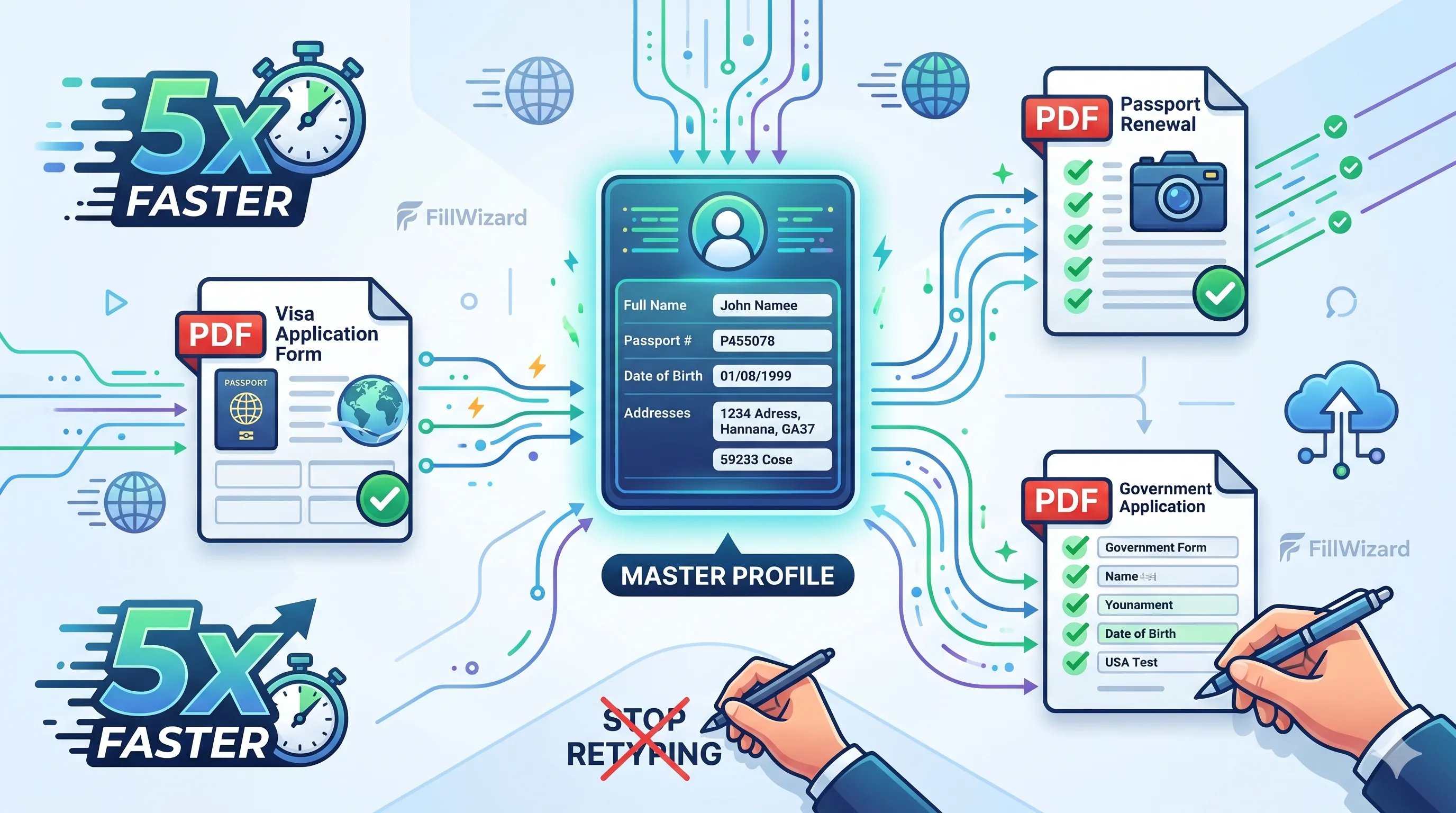 Productivity
How to Batch Fill PDF Forms from a Profile (Without Mail-Merge Pain)
Batch fill and prefill should mean enter once, fill many PDFs. Mail merge for fillable forms is the old workaround. A profile is the cleaner version of the same idea.
9 min readRead more Visa Workflows
DS-160 Family Application: Why the Family Button Still Makes You Retype Everything
A DS-160 family application is still one form per person. The family button on CEAC does almost nothing for shared fields. Profiles fix the retyping. CEAC still gets the final submit.
9 min readRead more