
The Ultimate Visa Packet Checklist: Prepare Immigration Forms 3x Faster
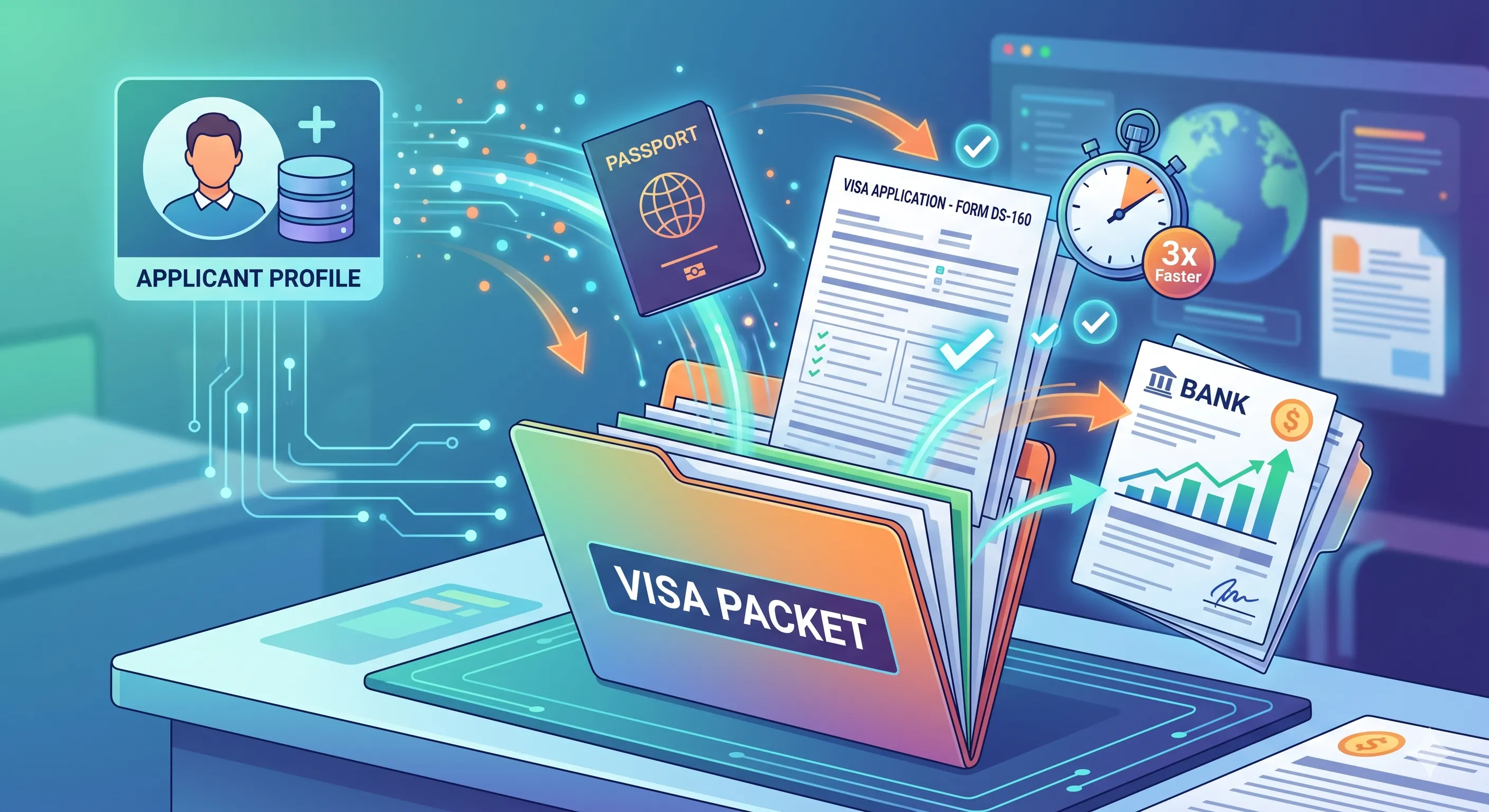
Preparing a visa application packet is a high-stakes task where precision is paramount. A single mistake—a mistyped passport number, an inconsistent address, a missing document—can lead to frustrating delays or even outright rejection. For individuals, this means personal distress; for agencies and law firms, it means reputational damage and wasted hours.
The core challenge isn't the forms themselves, but the repetitive, manual process of entering the same data over and over again. This is where errors creep in.
By implementing a structured checklist and shifting from manual entry to a data-centric workflow, you can dramatically increase your speed and, more importantly, your accuracy. Here is the ultimate checklist for preparing visa packets the right way.
Step 1: The Foundation - Create a Master Applicant Profile
Before you even touch a PDF form, your first step is to create a complete, accurate, and centralized Master Applicant Profile. This profile is your single source of truth for all of the applicant's core information.
Your profile should be meticulously detailed. Include sections for:
- Personal & Identity: Full legal name (and any variations), date/place of birth, nationality, passport details, National ID numbers.
- Contact & Residence: Current and historical addresses, phone numbers, email addresses.
- Family & Dependents: Information for spouses, children, and other dependents who may be part of the application.
- Employment & Education: Current and past employer details, job titles, dates, and educational history.
- Sponsor Information: Details for any financial sponsor, including their name, relationship, and contact information.
Pro-Tip: For applicants with names in non-Latin scripts (e.g., Arabic, Cyrillic, Chinese), store both the original script and the official Latin transliteration in the same profile. This saves immense time when switching between local and embassy forms.
Step 2: Assemble and Digitize Supporting Documents
With the profile built, the next step is to gather all the necessary supporting paperwork. Scan and digitize everything into a clean, organized folder structure. Common documents include:
- Passport photos with correct specifications.
- Copies of passports, visas, and birth certificates.
- Financial statements (bank records, pay stubs).
- Letters of invitation or employment verification.
- Travel itineraries and accommodation bookings.
Having high-quality digital copies ready makes the final packet assembly smooth.
Step 3: The Assembly Line - Map, Fill, and Repeat
Now, you can finally address the PDF forms. Instead of opening a blank form and typing, your job is now to map the data from your Master Profile to the fields on the form.
This is where a dedicated tool becomes essential. A platform like FillWizard automates this step entirely. It intelligently analyzes the PDF—even scanned ones—and matches the fields to the data in your saved profile. With a single click, it can populate dozens of pages instantly and without error. This process is repeatable for any form, for any applicant, forever.
Step 4: The Human Element - Review Dynamic Fields
No workflow should be 100% automated. Some information is case-specific and requires a manual review. Once the form is auto-filled with the stable profile data, your focus narrows to a few key fields:
- Travel and Submission Dates: These are unique to each application.
- Signatures: Ensure all required signature fields are identified.
- Case-Specific Questions: Answers to questions like "Purpose of Trip" or "Have you ever been denied a visa?" often require manual input.
This transforms the task from "data entry" into "strategic review," which is faster and less prone to error.
Step 5: The Final Quality Gate - Pre-Submission Audit
Before you consider the packet complete, perform one last quality audit. Speed is only a benefit if the output is perfect.
Your final checklist should include:
- Cross-reference names and numbers: Do the passport numbers on the form match the passport copy?
- Check all dates: Are the travel dates logical? Is the submission date correct?
- [_] Confirm all documents are included: Is the photo attached? Is the financial proof present?
- Review for completeness: Are there any empty fields that should be filled?
This final 60-second check is your best defense against the simple mistakes that derail most applications. By following this structured checklist, you build a reliable, efficient, and scalable system for visa preparation.
Checklist
- Build one master applicant profile with all core data (passport, sponsor, address history).
- Gather and digitize all supporting documents in a centralized location.
- Use a tool to map profile data to the fields on your PDF forms.
- Manually review all dynamic, case-specific fields like travel dates.
- Perform a final quality audit of the complete packet before submission.
Related articles
 Tool Comparisons
Adobe Fill & Sign Alternative When Autofill Suggests the Wrong Name
Adobe Fill & Sign remembers more than you want. Wrong name. Previous customer's signature. Private medical details on the next PDF. This guide covers when to clear the cache, when to keep Acrobat, and when a reusable profile is the safer Adobe Fill & Sign alternative.
8 min readRead more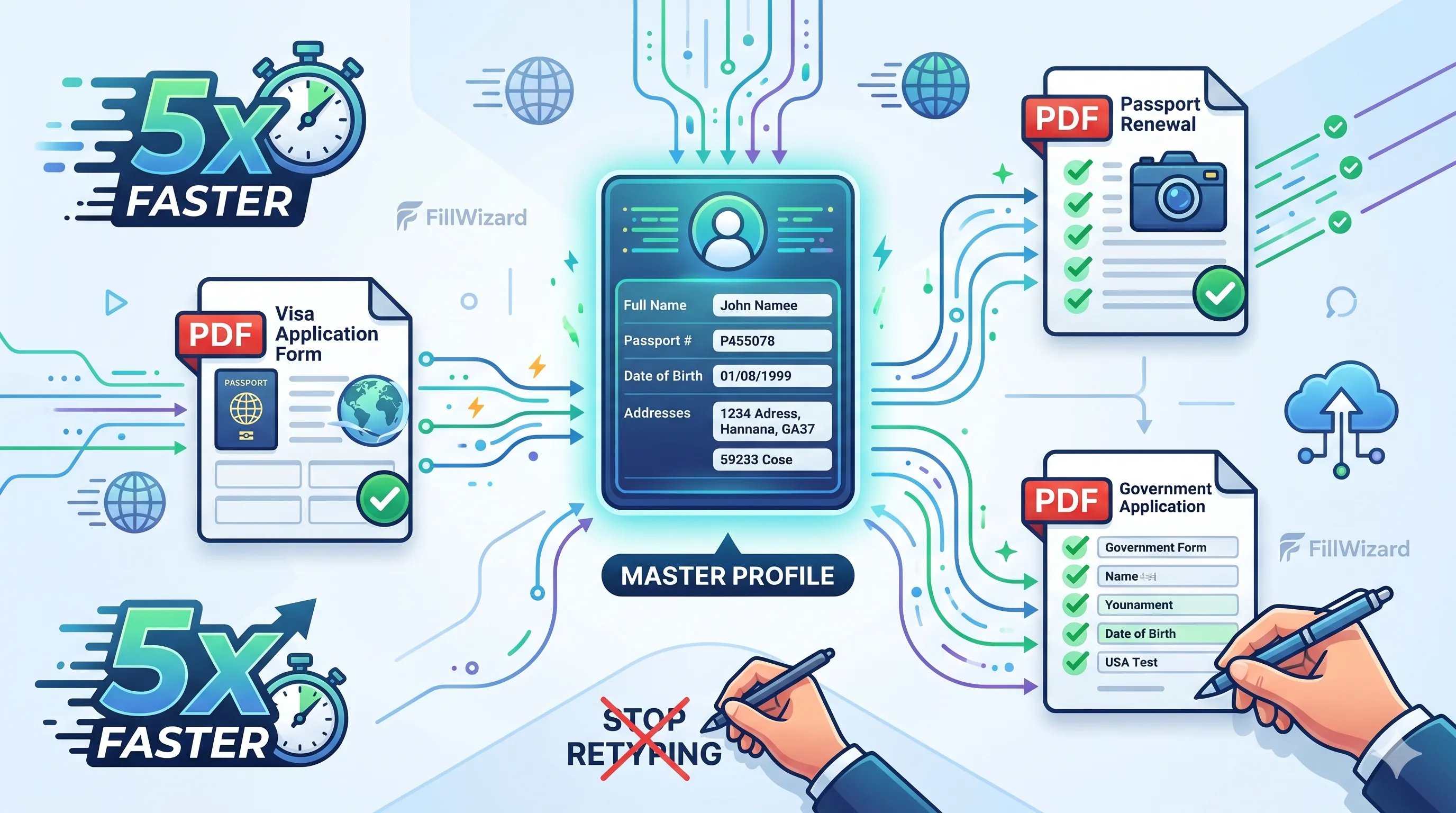 Productivity
How to Batch Fill PDF Forms from a Profile (Without Mail-Merge Pain)
Batch fill and prefill should mean enter once, fill many PDFs. Mail merge for fillable forms is the old workaround. A profile is the cleaner version of the same idea.
9 min readRead more Visa Workflows
DS-160 Family Application: Why the Family Button Still Makes You Retype Everything
A DS-160 family application is still one form per person. The family button on CEAC does almost nothing for shared fields. Profiles fix the retyping. CEAC still gets the final submit.
9 min readRead more