
Adobe Fill & Sign Alternative When Autofill Suggests the Wrong Name

You open a PDF in Adobe Fill & Sign, click a Name field, and Acrobat kindly offers someone else's details. Sometimes it is last week's applicant. Sometimes it is a previous customer's signature. Sometimes, according to people who posted about it on Adobe's own forums, it is private medical information from a form you filled earlier.
That is not a niche bug report. It is how shared autocomplete works when one machine, one Adobe account, and many people's data share the same Fill & Sign history. If you searched for an Adobe Fill & Sign alternative because the suggestions feel unsafe, you are in the right place.
This post is not "throw away Acrobat." Acrobat still wins for editing, OCR, redaction, and certified signatures. Our Adobe Acrobat alternative guide and the FillWizard vs Acrobat vs DocuSign comparison cover that stack honestly. Here we stay on one failure mode: Fill & Sign autocomplete that remembers the wrong person.
What Adobe Fill & Sign is actually optimizing for
Fill & Sign is built for speed on the next blank. You typed "Maria Lopez" once, so the next Name field offers Maria. For a solo user filling their own lease and tax forms, that is helpful.
The same design breaks when your week looks like this:
- A clinic desk fills intake PDFs for six patients before lunch.
- An insurance CSR hammers through ACORD 125, 126, and 140 for different insureds.
- An immigration paralegal flips between family members on the same packet.
- An HR coordinator opens the same three onboarding forms for every new hire.
In those rooms, "remember what I typed last" is the opposite of what you need. You need "remember this specific person, and only this person, for these forms."
The failure modes people actually report
Strip the marketing and the complaints sound the same across Adobe community threads:
- Wrong name in the field. Autocomplete offers a prior applicant while you are staring at a blank for someone new.
- Previous customer's signature. A signature box populates with a mark that belongs to the last file you signed.
- Private medical autofill. Form fields suggest clinical details that should never ride along into the next PDF.
- Constant cleanup. People search how to delete autofill data in Acrobat and how to clear Fill & Sign autocomplete history, then do it again after the next busy afternoon.
None of that means Adobe is "broken" in a product-sense. The cache is doing what a browser-style autocomplete does. The mismatch is the job: multi-person form work needs explicit identity, not a shared suggestion list.
Clearing history is a band-aid, not a workflow
Yes, you can clear autocomplete and Fill & Sign history in Acrobat Preferences. Do it when something already leaked onto a draft. Do it on shared office machines. Do it after a day of back-to-back clients.
Then be honest about what you just bought yourself: a clean slate until the next ten forms refill the cache. You still retype. You still risk the next suggestion. You still have no durable "this is Applicant A" object you can reuse across a packet.
If your real goal is stop retyping the same information into every PDF, clearing history will not get you there. It only removes the evidence of the last fill.
What a profile-based Adobe Fill & Sign alternative does differently
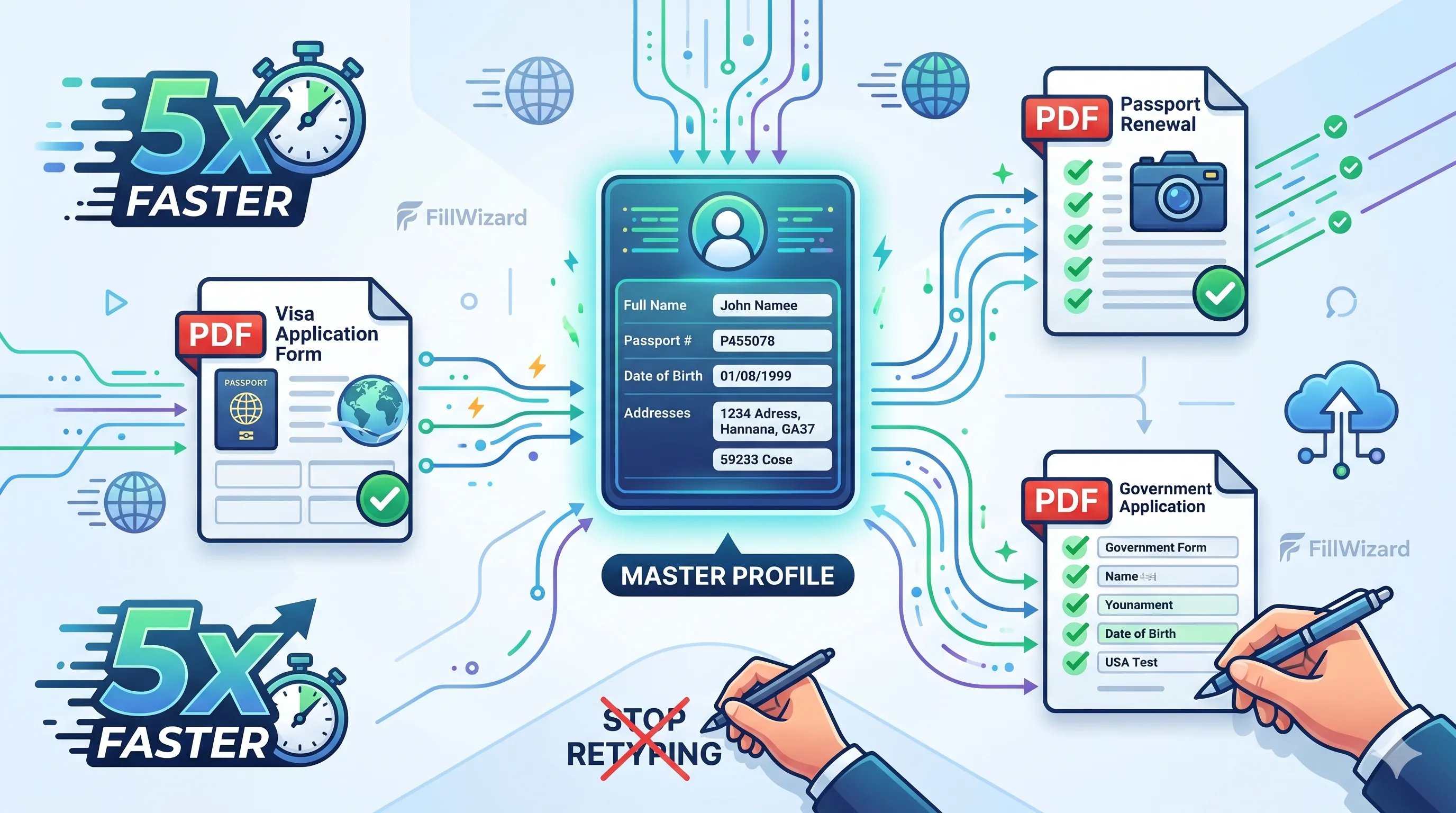
A reusable profile flips the model:
- You create a profile for one person or one company (name, addresses, IDs, employer block, whatever your forms keep asking for).
- You pick that profile when you open a PDF.
- Matching fields fill from that profile only.
- The next PDF for someone else requires a different profile. There is no leftover "Maria" waiting in a global suggestion tray.
That is the difference between autocomplete and intent. Autocomplete guesses from history. A profile is a deliberate choice: "fill this form as this identity."
FillWizard is built around that choice. You save details once, then fill one person across many forms, or the same form for many people, without hoping Acrobat forgot the last customer. Plans start from $49/mo on Starter. See pricing for the current Free, Starter, and Pro tiers.
You still review before you export. Profiles cut the typing and the wrong-person risk. They do not replace a human glance at sensitive packets.
When you should keep Adobe Fill & Sign
Stay on Fill & Sign when:
- You mostly fill your own one-off PDFs.
- You are not switching identities on the same machine all day.
- You already clear autocomplete on a schedule and your volume is low.
- You need Acrobat for edit, assemble, redact, or certified sign on the same seat.
Layer tools when:
- Multiple people's private data passes through one workstation.
- You fill the same packet shape repeatedly (visa, onboarding, ACORD, school forms).
- Wrong autofill has already cost you a reprint, a client apology, or a near-miss on a medical form.
- Copy-pasting from a notes file got old and you want structured reuse instead.
Most form-heavy teams keep Acrobat for the PDF jobs it owns and add a profile filler for the repeat-fill jobs. That is the same coexistence story we tell in the broader Acrobat comparison. Fill & Sign is just the sharpest edge of the autofill problem.
How this compares to "Adobe Acrobat alternative" searches
Search language splits into two intents:
| You typed… | You probably mean… | Read this |
|---|---|---|
| adobe fill and sign alternative | Stop wrong/private autocomplete; fill from a chosen identity | This post |
| adobe acrobat alternative / free alternative | Replace or supplement Acrobat for repeat form filling overall | Acrobat alternative for PDF autofill |
| FillWizard vs Acrobat vs DocuSign | Which tool for edit vs fill vs sign | Honest three-way comparison |
Mixing those intents is how people buy a free PDF reader that still cannot keep Patient A's allergy list out of Patient B's form. Match the tool to the failure you actually hit.
For how AI mapping helps when labels change across form editions, see the AI PDF form filler guide. That is a different problem than Fill & Sign history. Useful, but not the same wedge.
A practical switch test (one week)
- Pick the riskiest workflow. The one where a wrong name or signature would hurt: medical intake, claims, family immigration forms, multi-hire onboarding.
- Build two profiles for the two people you fill most often.
- Run the same PDFs in parallel. One path in Fill & Sign (with your usual care). One path from profiles.
- Score three things: time to fill, number of wrong suggestions you had to dismiss, and whether any private field from person A appeared on person B's draft.
- Decide. If profiles kill the cross-person suggestions and cut retyping, keep the layer. If your volume is tiny and Fill & Sign never misfires for you, stay put.
You will know in a week. You do not need a six-month RFP to find out whether shared autocomplete is safe for your desk.
Bottom line
An Adobe Fill & Sign alternative worth buying is not another reader with a Fill button. It is a way to put a named profile into a PDF so yesterday's customer never auto-suggests into today's form.
Clear Acrobat's autocomplete when you must. Keep Acrobat for the editing and signing work it still owns. For repeat fills across people and packets, create a profile on FillWizard and run Starter from $49/mo if the volume justifies it. Your next Name field should offer the person you selected, not the ghost of the last PDF you closed.
Checklist
- If Fill & Sign just suggested another person's name or signature, stop and clear autocomplete before you export anything.
- Audit whether your week is one-off PDFs (keep Acrobat) or the same identities across many forms (add a profile tool).
- Build one FillWizard profile per person or company so the data you inject is the data you chose, not the last form's leftovers.
- Keep Acrobat for edit, OCR, redaction, and certified sign. Use profiles for repeat fill.
- Pilot Starter from $49/mo on one packet before you change every workflow.
Related articles
 Productivity
How to Batch Fill PDF Forms from a Profile (Without Mail-Merge Pain)
Batch fill and prefill should mean enter once, fill many PDFs. Mail merge for fillable forms is the old workaround. A profile is the cleaner version of the same idea.
9 min readRead more Visa Workflows
DS-160 Family Application: Why the Family Button Still Makes You Retype Everything
A DS-160 family application is still one form per person. The family button on CEAC does almost nothing for shared fields. Profiles fix the retyping. CEAC still gets the final submit.
9 min readRead more Multilingual Workflows
Arabic Forms with AI: Dual-Script Names, Hijri Dates, and RTL Layouts That Actually Work
Most tools translate the label and stop. Real Arabic form work needs dual-script names, Hijri dates, and a review layer that flows the right way.
9 min readRead more