
DS-160 Family Application: Why the Family Button Still Makes You Retype Everything
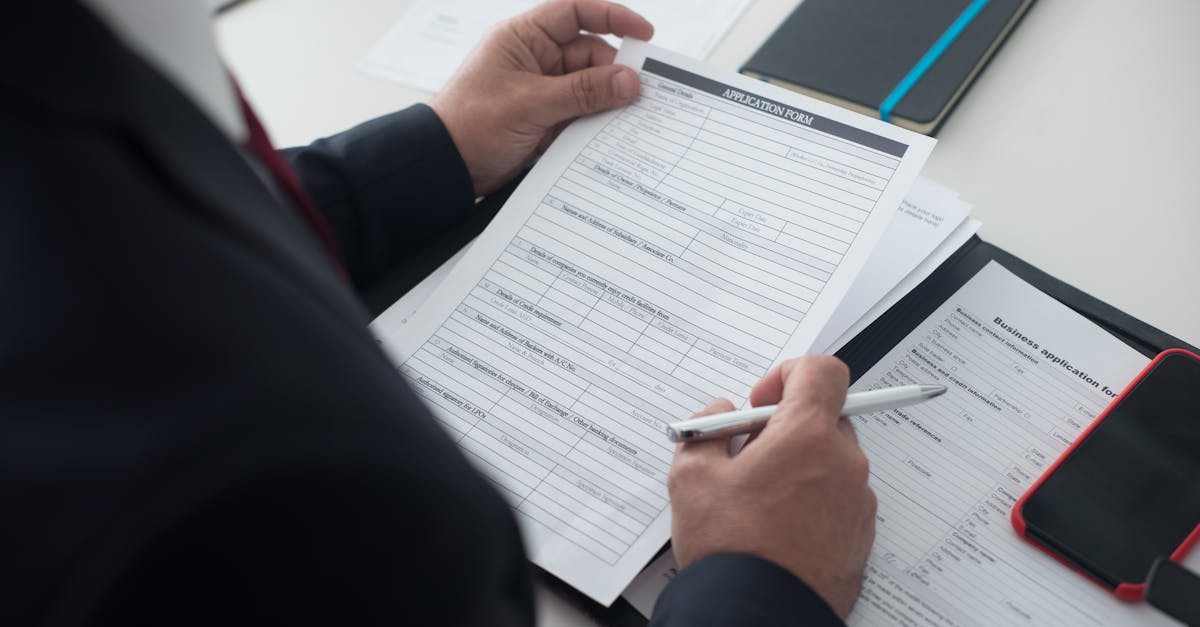
A DS-160 family application sounds like one file for the household. It is not. It is the same long form, once for you, once for your spouse, once for each child. CEAC even offers a "Create a Family Application" button. Forum threads are full of people who clicked it, waited for the magic, and discovered it changed almost nothing about the typing.
That mismatch is the whole story. The search phrase is "ds 160 family application." The job is still one form, many people.
What a DS-160 family application actually is
Every nonimmigrant applicant needs their own DS-160. Parents do not file a joint form. Minors do not piggyback on a parent's barcode. H-4, L-2, and F-2 derivatives still answer the full questionnaire in their own name.
What is shared across the household:
- Home address and phone for the last five years (kids often inherit the parents' timeline)
- Parents' full names and birthplaces (siblings share the same pair)
- US contact or petitioning relative
- Sponsor / employer details for the principal applicant's trip
- Travel companions and purpose of trip (often identical wording)
What is not shared:
- Passport number, issue date, expiry
- Date and place of birth
- Prior US travel unique to that person
- SEVIS ID (for students)
- Photo and security answers
The family button helps you keep application IDs together for appointments. It does not carry "123 Maple Street" from Mom's form to Dad's form. If you expected that, you are not alone. VisaJourney threads say the same thing in plainer words: the family application button doesn't make any difference to the retyping.
Why families still retype the same info 4×
Picture a family of four filing B-2s together. Four CEAC sessions. Four times you type the parents' names. Four times you re-enter the home address history. Four chances to spell "Mohammed" one way and "Muhammad" another.
For one applicant, the State Department says allow about 90 minutes. Four applicants from scratch is a full workday of form filling, plus the photo uploads. Most of that day is not new information. It is the same household facts pasted into four browsers.
That is the 1:N job: same PDF template (or same web form shape), different person in each copy. Immigration packets hit it constantly. School forms for siblings hit it. Separate I-130s for each family member hit it. DS-160 is just the version with the biggest search volume and the shortest patience fuse.
Build one profile per person (then duplicate the shared parts)
FillWizard is built around reusable profiles, not around guessing from browser autofill.
- Create the principal applicant profile first. Passport, five-year address history, employment, family tree, US contact, prior visas.
- Duplicate that profile for each dependent. Keep the shared rows. Change birth date, passport block, and any travel-specific answers.
- Name profiles clearly.
Amina (principal),Karim (spouse),Layla (child)beatsProfile 3when you are tired at 11pm. - Upload each DS-160 worksheet PDF and fill it from the matching profile.
- Open CEAC with the worksheet beside you and type from the prepped answers.
You are not bypassing CEAC. You are stopping the household from becoming a copy-paste contest. Visa form filling for immigration packets is the product path if you want the niche walkthrough.
For the single-applicant prep workflow (worksheet first, then CEAC), see the DS-160 autofill guide. For what AI can extract from a passport image versus what only you should answer, see how AI fills the DS-160 in 4 minutes.
A realistic family-of-four timeline
| Step | Without profiles | With duplicated profiles |
|---|---|---|
| Principal worksheet | ~90 min from scratch | ~15 min after profile exists |
| Spouse worksheet | ~75 min (some memory leftover) | ~8 min (mostly passport + review) |
| Child 1 worksheet | ~60 min | ~5–8 min |
| Child 2 worksheet | ~60 min | ~5–8 min |
| CEAC entry ×4 | Still required | Faster because answers are already clean |
Rough total: a messy half-day of retyping becomes about an hour of profile work plus focused CEAC sessions. The photo uploads still take forever. That part is between you and the State Department's photo checker.
Mistakes family filings make that profiles catch
- Shared address dates that disagree between siblings by one day. Consular officers notice patterns; so should you.
- Parents' names spelled differently on each child's form. Especially with transliteration.
- US contact phone that matches Mom's form but not Dad's because someone "fixed" a typo mid-packet.
- Travel companion list that includes the wrong child, or drops a name when the fourth form was filled at midnight.
- Purpose-of-trip wording that drifts ("tourism" vs "visit family in Houston") across the household when the story should match.
One source of truth per person, duplicated from a shared base, kills most of these. Change the home address once on the parent profile, re-fill the worksheets, and the next CEAC round stays consistent.
Soft start: profiles from $49 Starter
If you are filing more than one DS-160 this year, the profile is the asset. Build it once, reuse it for the next trip, the DS-260 later, or the consular PDFs your embassy emails you at the worst possible hour.
Create profiles on FillWizard and prep the worksheets. Paid plans start at $49/mo on Starter when you outgrow the free tier. For the broader packet (I-130, I-485, supporting PDFs), keep the visa packet checklist open beside this guide.
The family application button will keep disappointing people. Your profiles do not have to.
Checklist
- Treat a DS-160 family application as one form per person. CEAC does not merge household data for you.
- Build one reusable profile per applicant: passport, address history, employment, and family tree.
- Duplicate the parent profile for each dependent, then edit only birth date, passport, and travel purpose.
- Pre-fill each DS-160 worksheet PDF from the matching profile before you open CEAC.
- Cross-check shared fields (home address, parents' names, US contact) once across the whole household.
Related articles
 Tool Comparisons
Adobe Fill & Sign Alternative When Autofill Suggests the Wrong Name
Adobe Fill & Sign remembers more than you want. Wrong name. Previous customer's signature. Private medical details on the next PDF. This guide covers when to clear the cache, when to keep Acrobat, and when a reusable profile is the safer Adobe Fill & Sign alternative.
8 min readRead more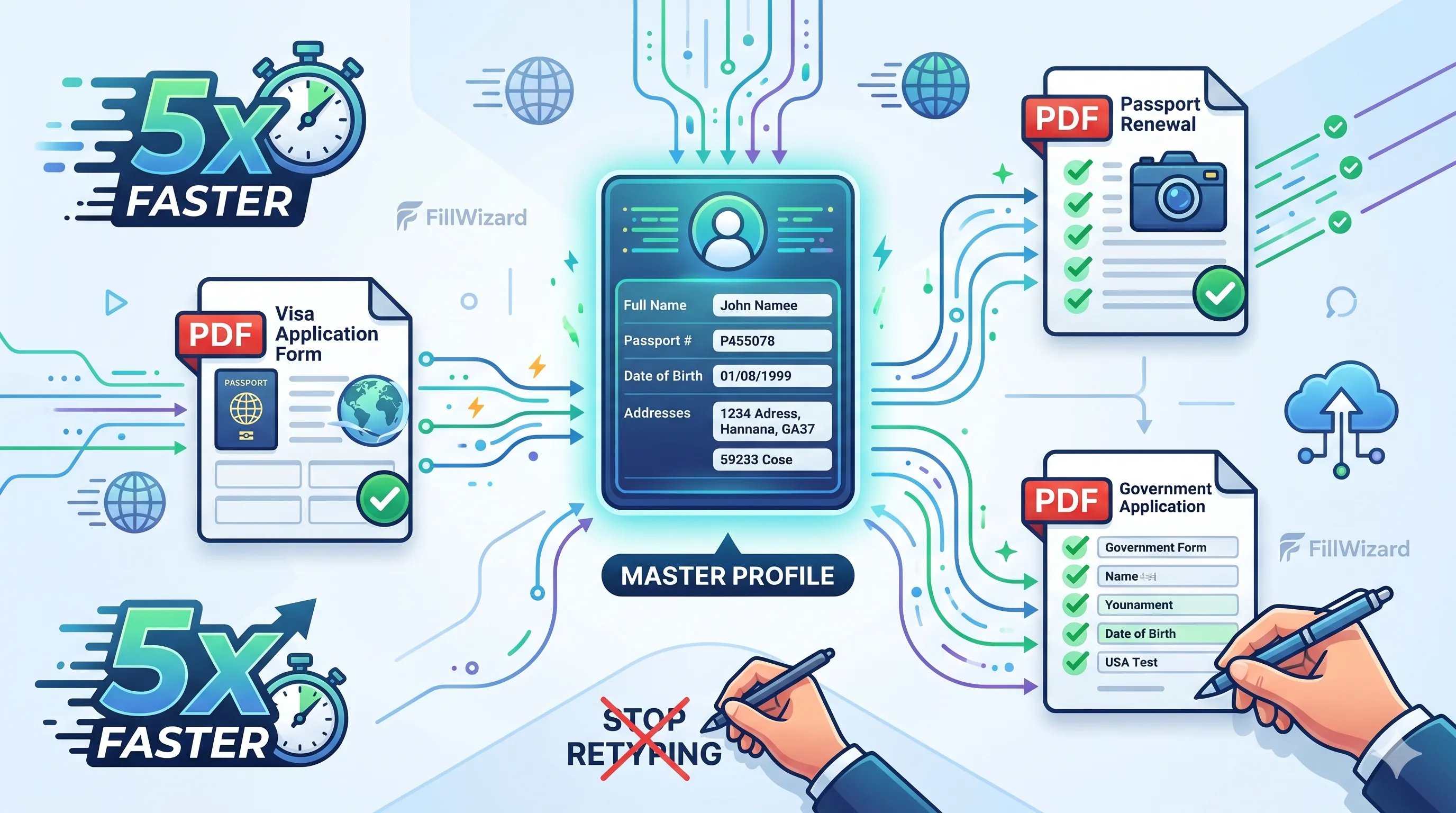 Productivity
How to Batch Fill PDF Forms from a Profile (Without Mail-Merge Pain)
Batch fill and prefill should mean enter once, fill many PDFs. Mail merge for fillable forms is the old workaround. A profile is the cleaner version of the same idea.
9 min readRead more Multilingual Workflows
Arabic Forms with AI: Dual-Script Names, Hijri Dates, and RTL Layouts That Actually Work
Most tools translate the label and stop. Real Arabic form work needs dual-script names, Hijri dates, and a review layer that flows the right way.
9 min readRead more